
HelpInfo requests, tasks and more
How to · 5 steps
Upload a document
Video coming soon: Tasks and documents
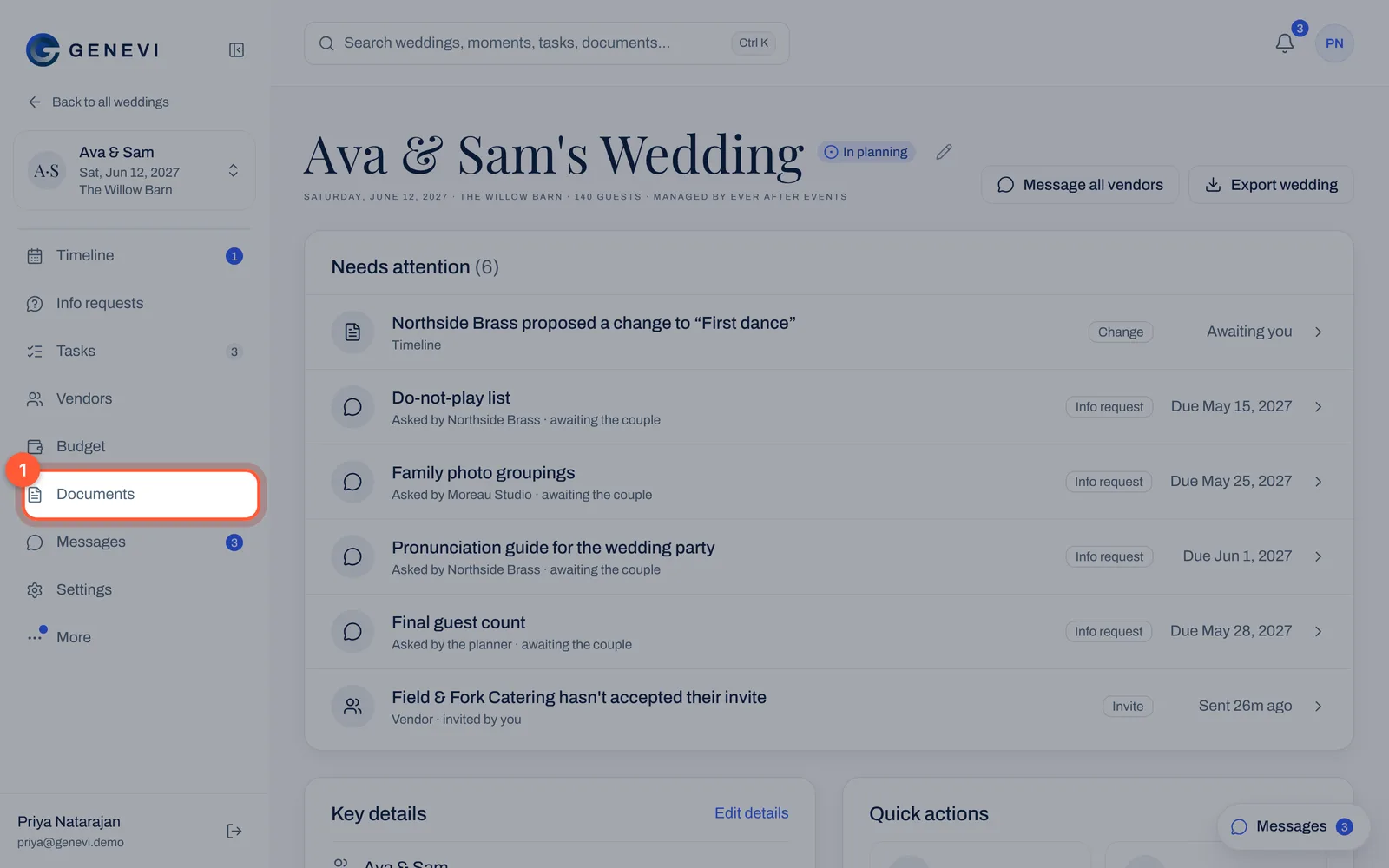
First, what it doesHow do documents work?Every file for the wedding is kept in one place, and you choose who sees each one.Read this firstStep 1: Open the wedding and choose Documents in the wedding's menu.
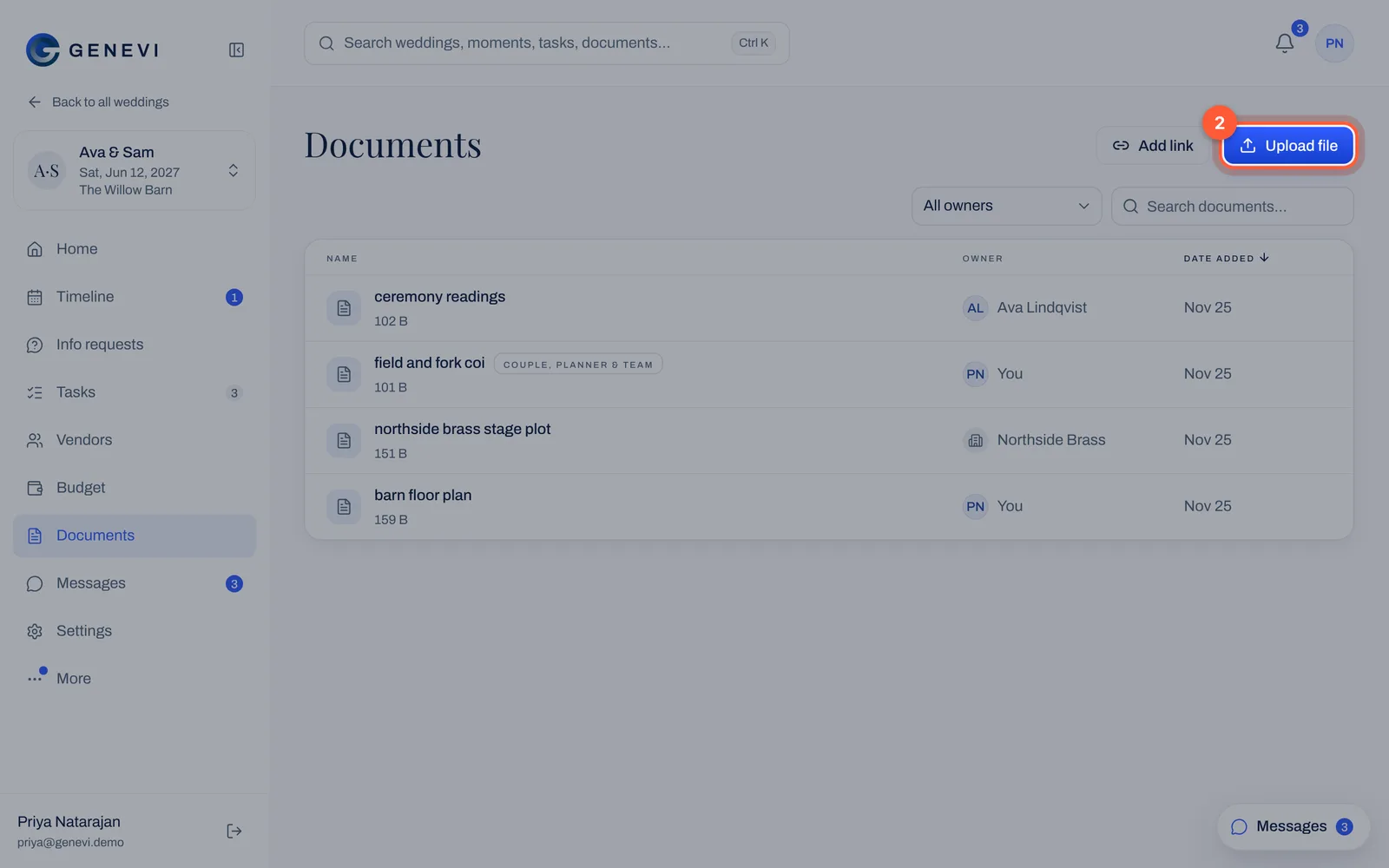
Step 2: Choose Upload file, at the top right.
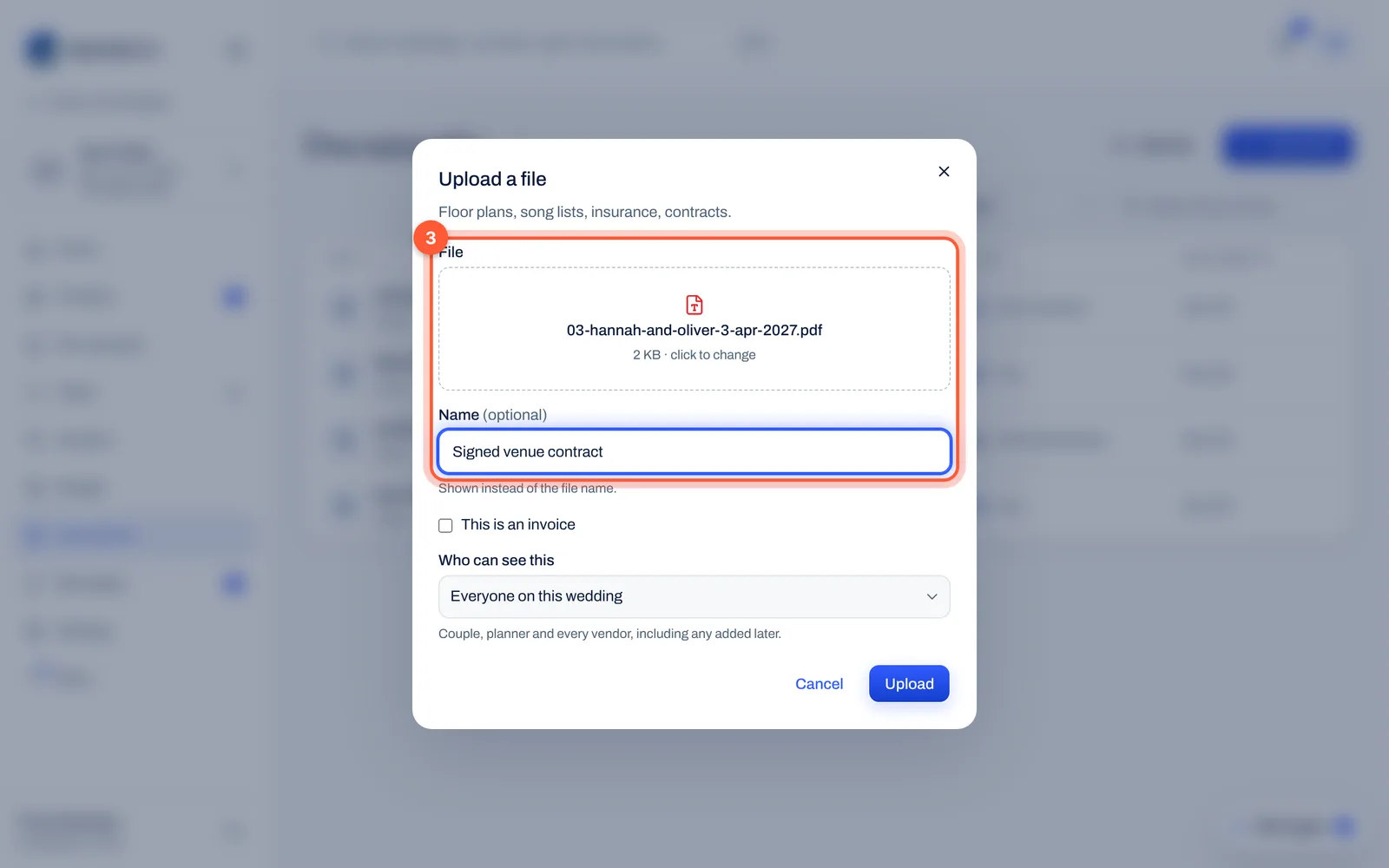
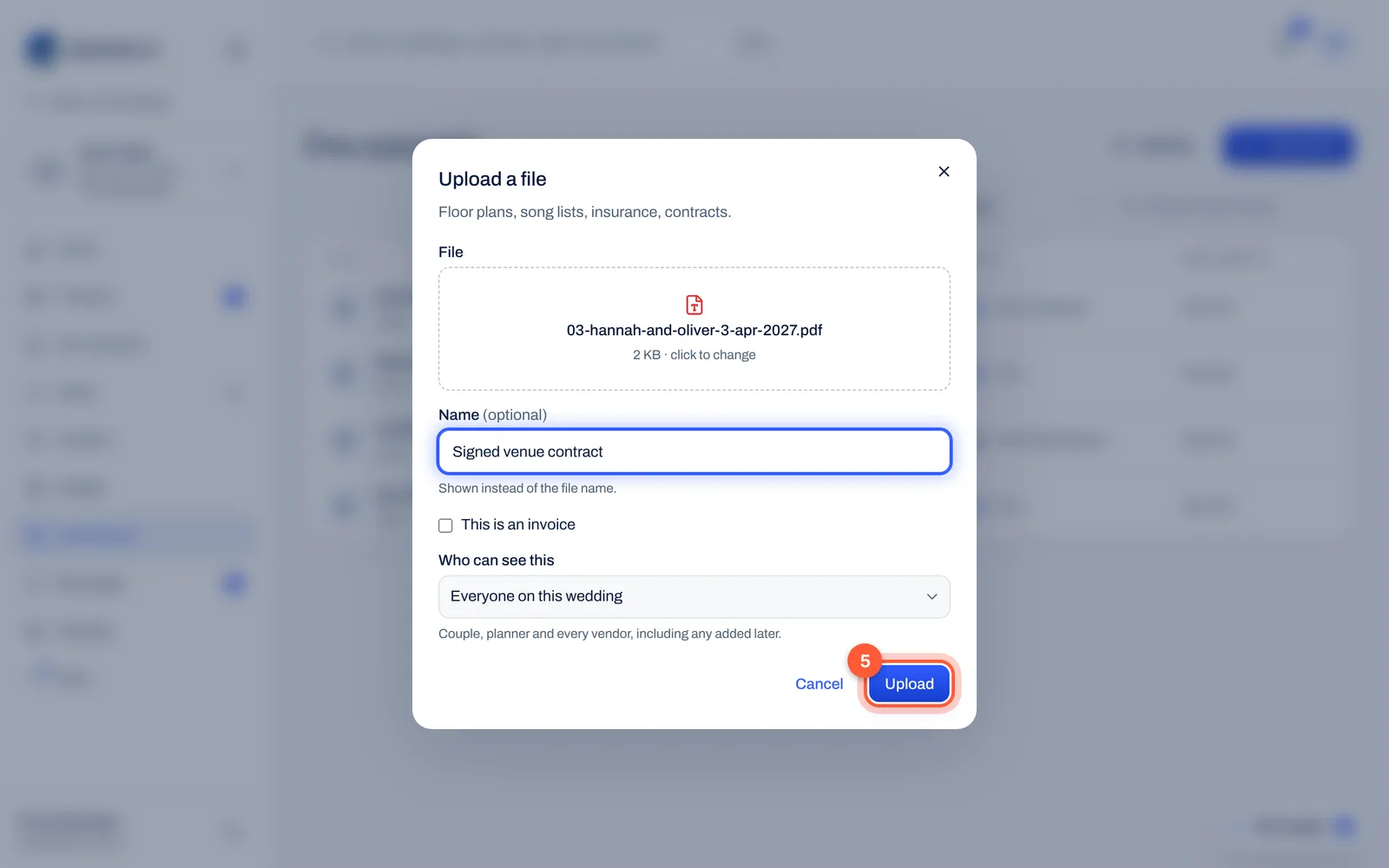
Step 3: Choose the file from your computer or phone. Give it a clear name if you like, such as Signed venue contract.
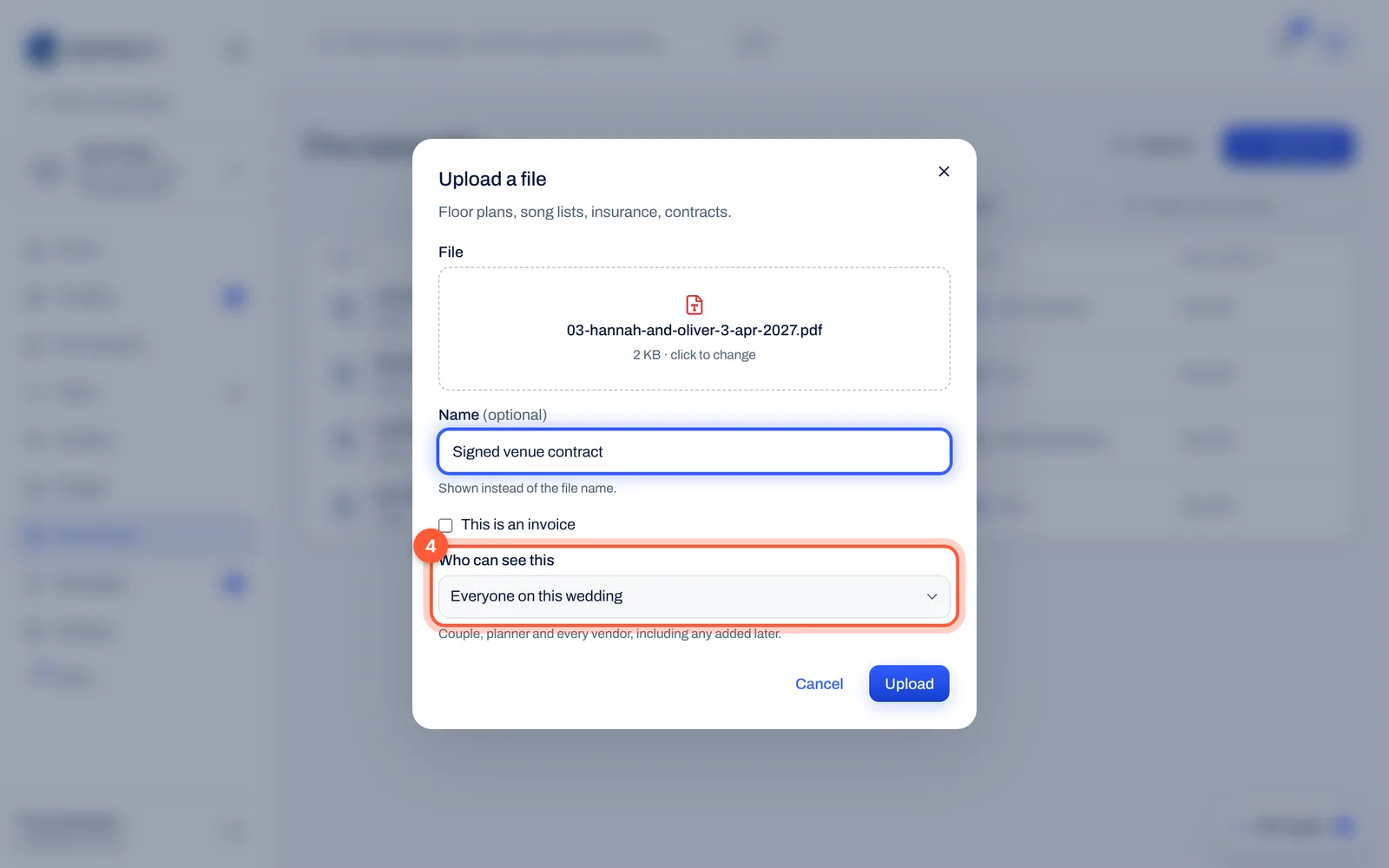
Step 4: Under Who can see this, choose who should see it. Select This is an invoice if it's a bill.
Step 5: Choose Upload. The file shows in Documents for everyone you chose.
If something goes wrong: Want to share a Google Drive or Dropbox file instead? Choose Add link next to Upload file.