
HelpInfo requests, tasks and more
How to · 5 steps
Track the wedding budget
Video coming soon: The budget
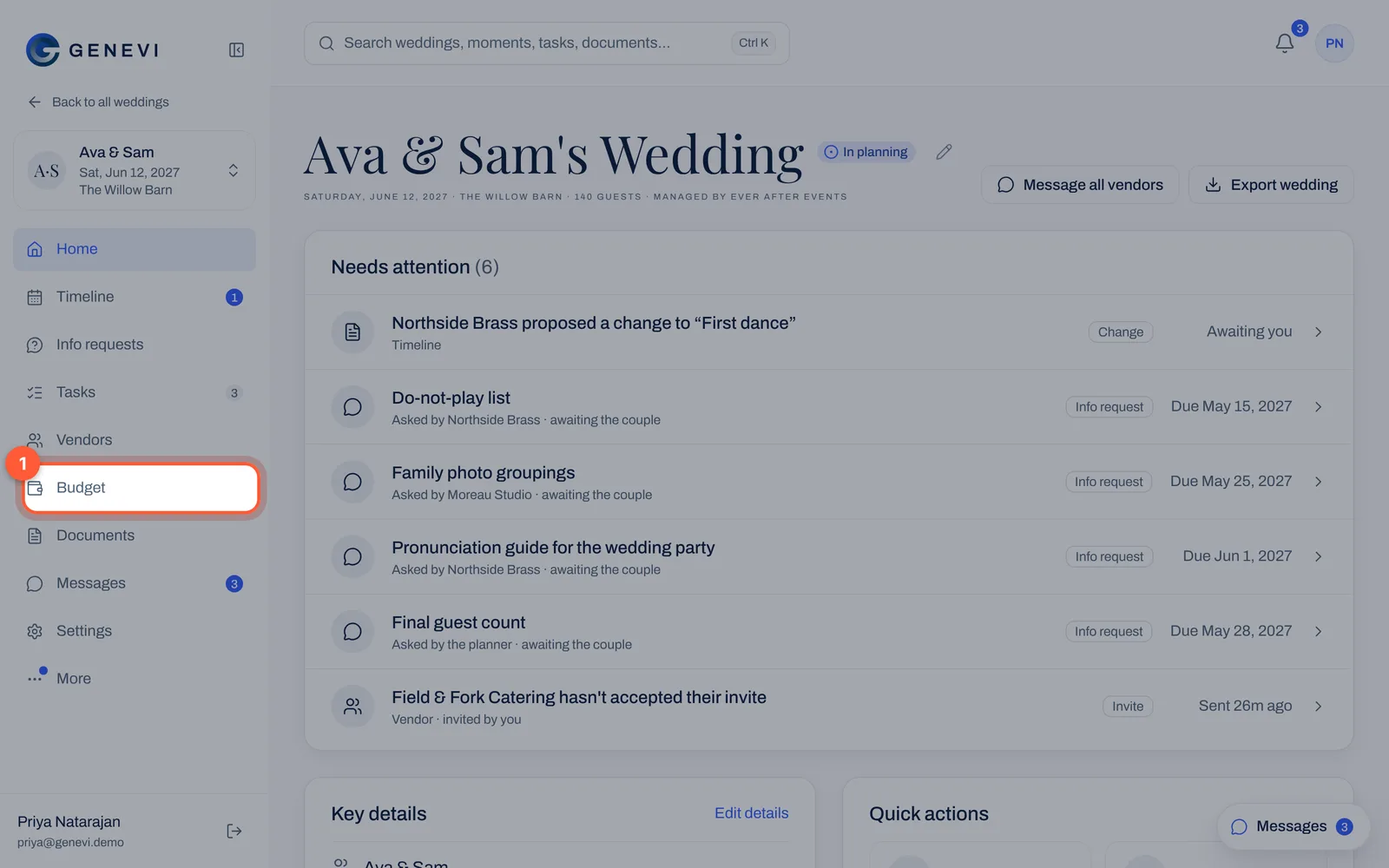
First, what it doesHow does the budget work?One page for what the wedding costs: what you planned to spend, what each vendor quoted, what's been paid and what's still to pay. Only the couple and the planner see it.Read this firstStep 1: Open the wedding and choose Budget in the wedding's menu. Only the couple and the planner see it.
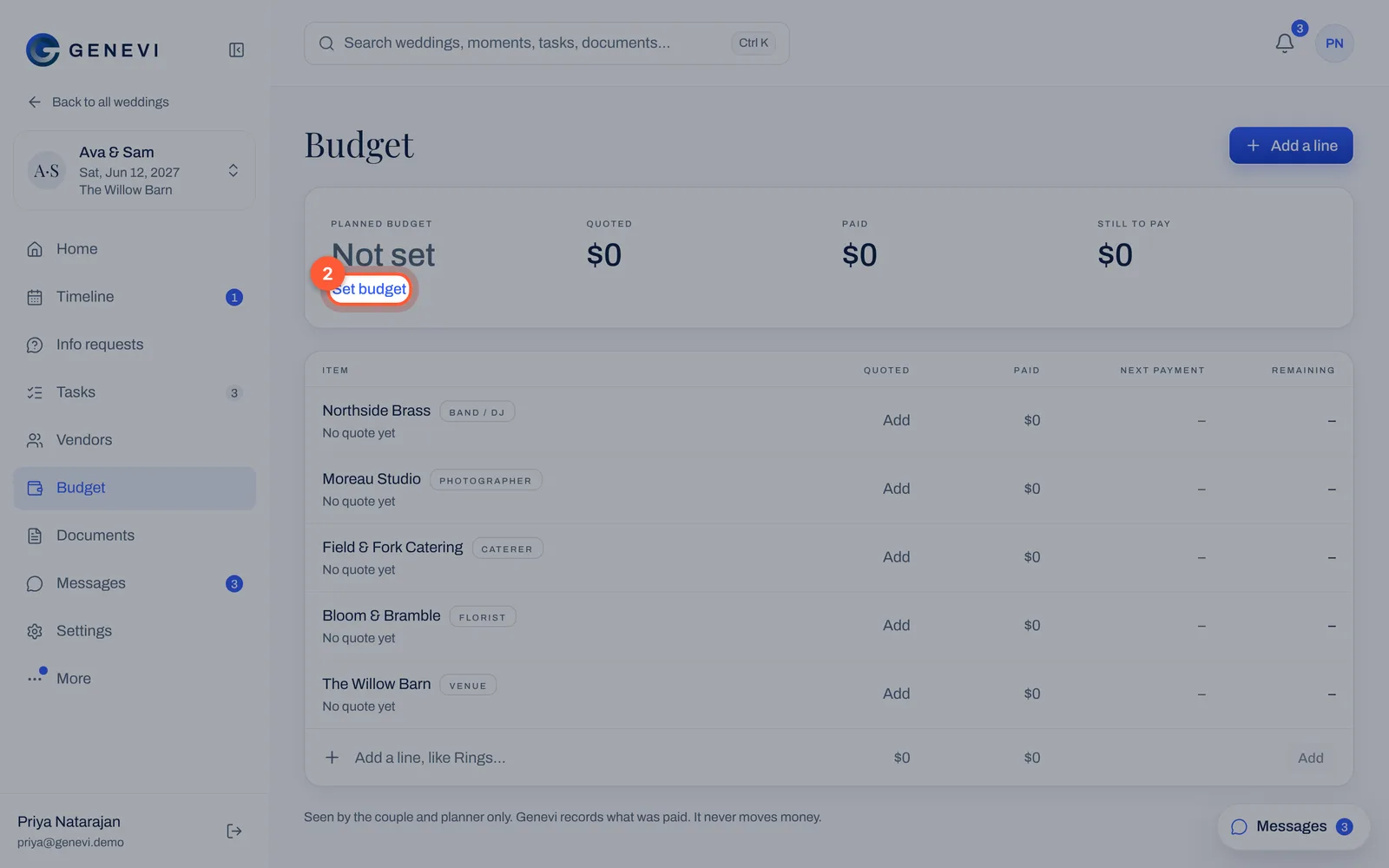
Step 2: Choose Set budget and type the total you plan to spend.
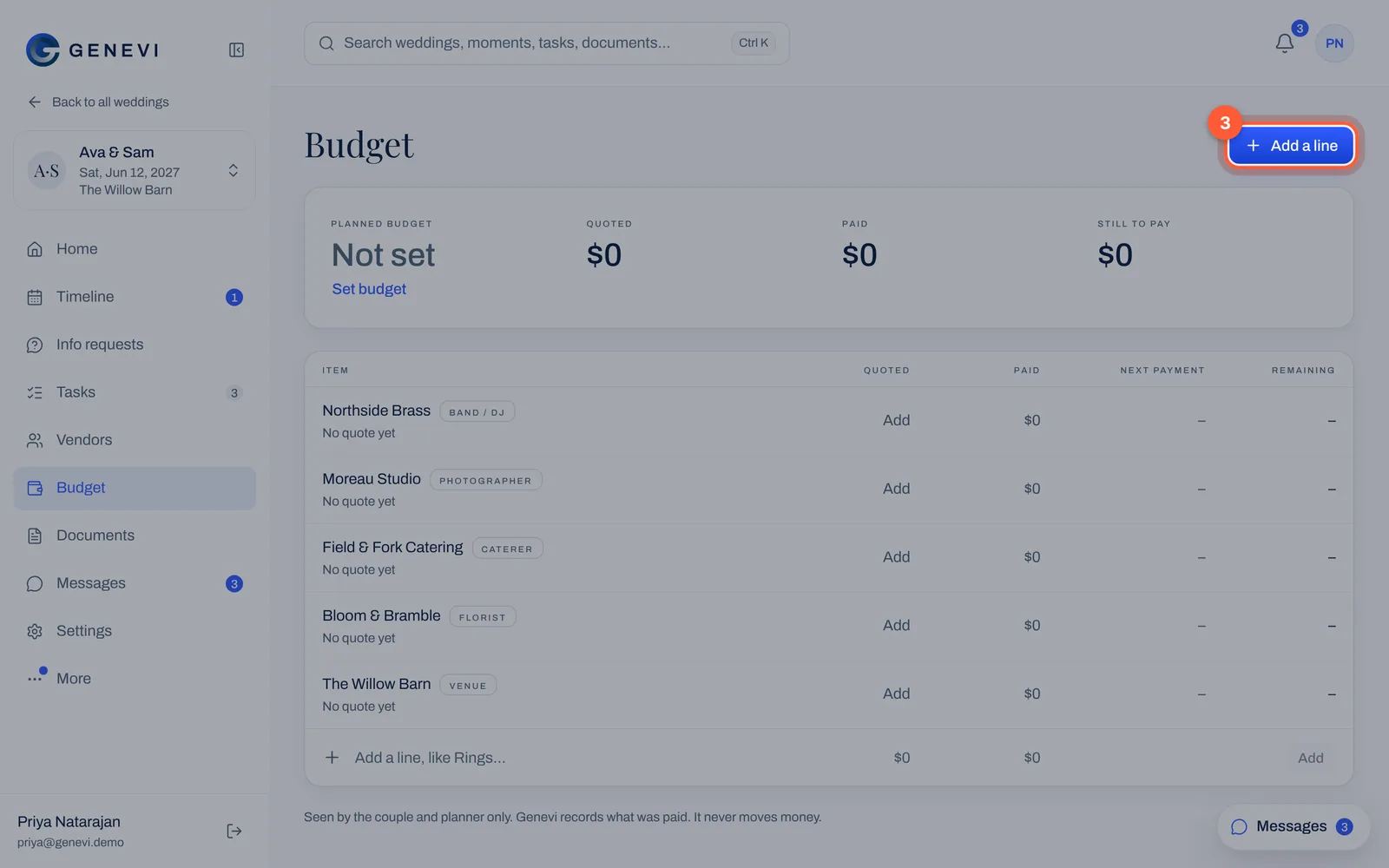
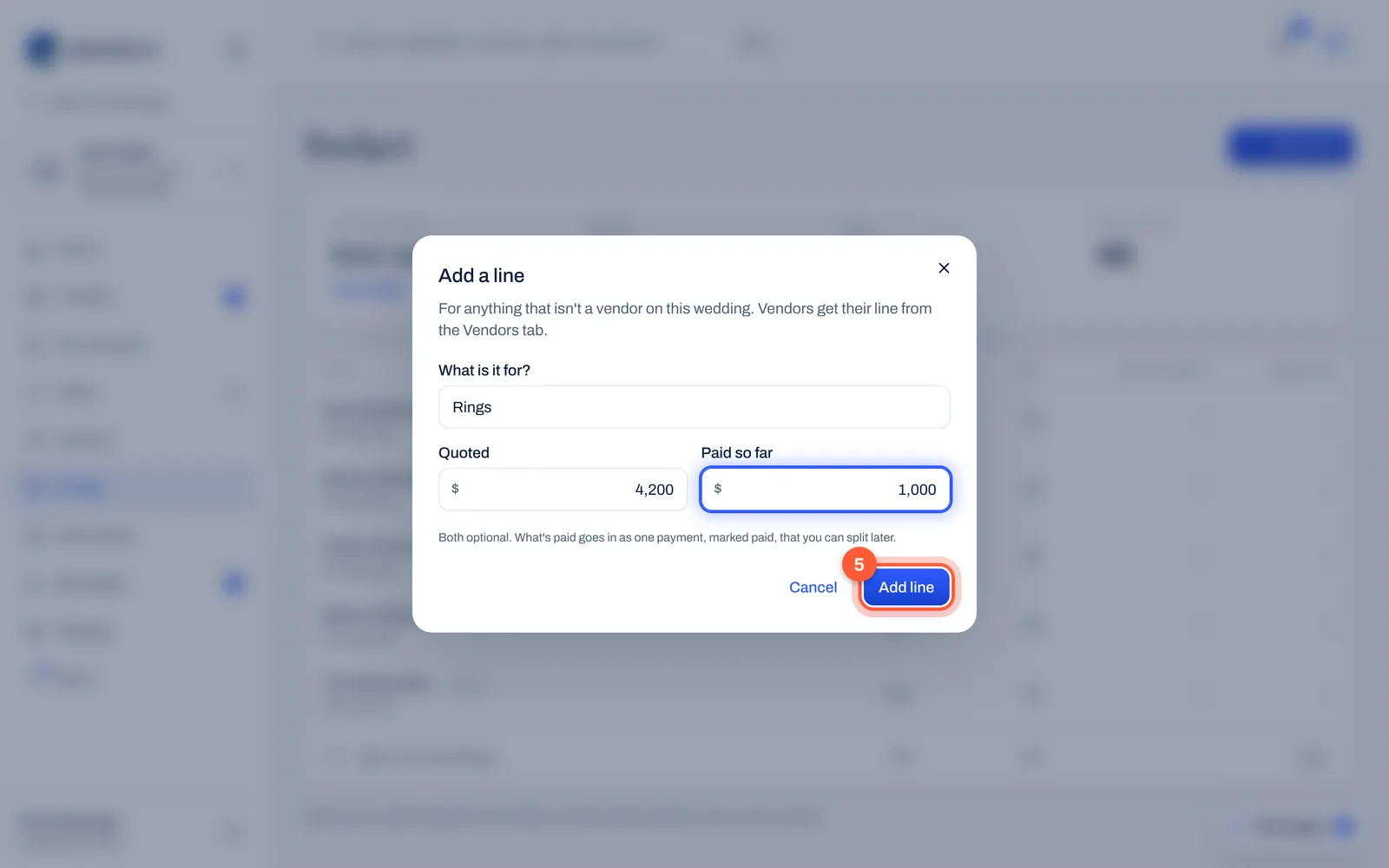
Step 3: Your vendors are already listed. For anything else, such as rings, choose Add a line.
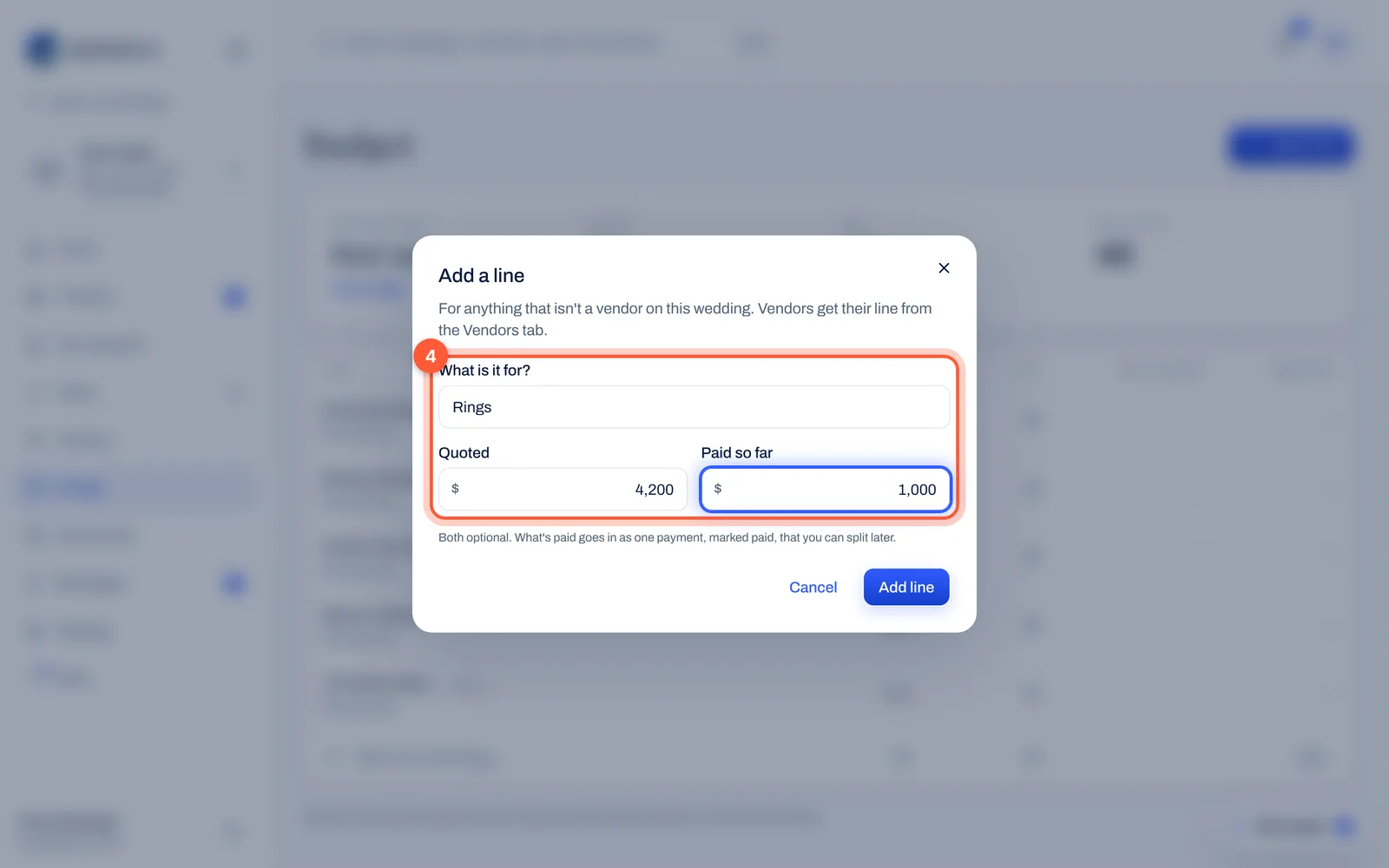
Step 4: Type what it's for, what you were quoted and what you've paid so far.
Step 5: Choose Add line. The totals at the top update, so you can see what's still to pay.
If something goes wrong: Genevi keeps a record of what was paid. It never moves money.