HelpInfo requests, tasks and more
How to · 4 steps
Message the people on a wedding
Video coming soon: Messages
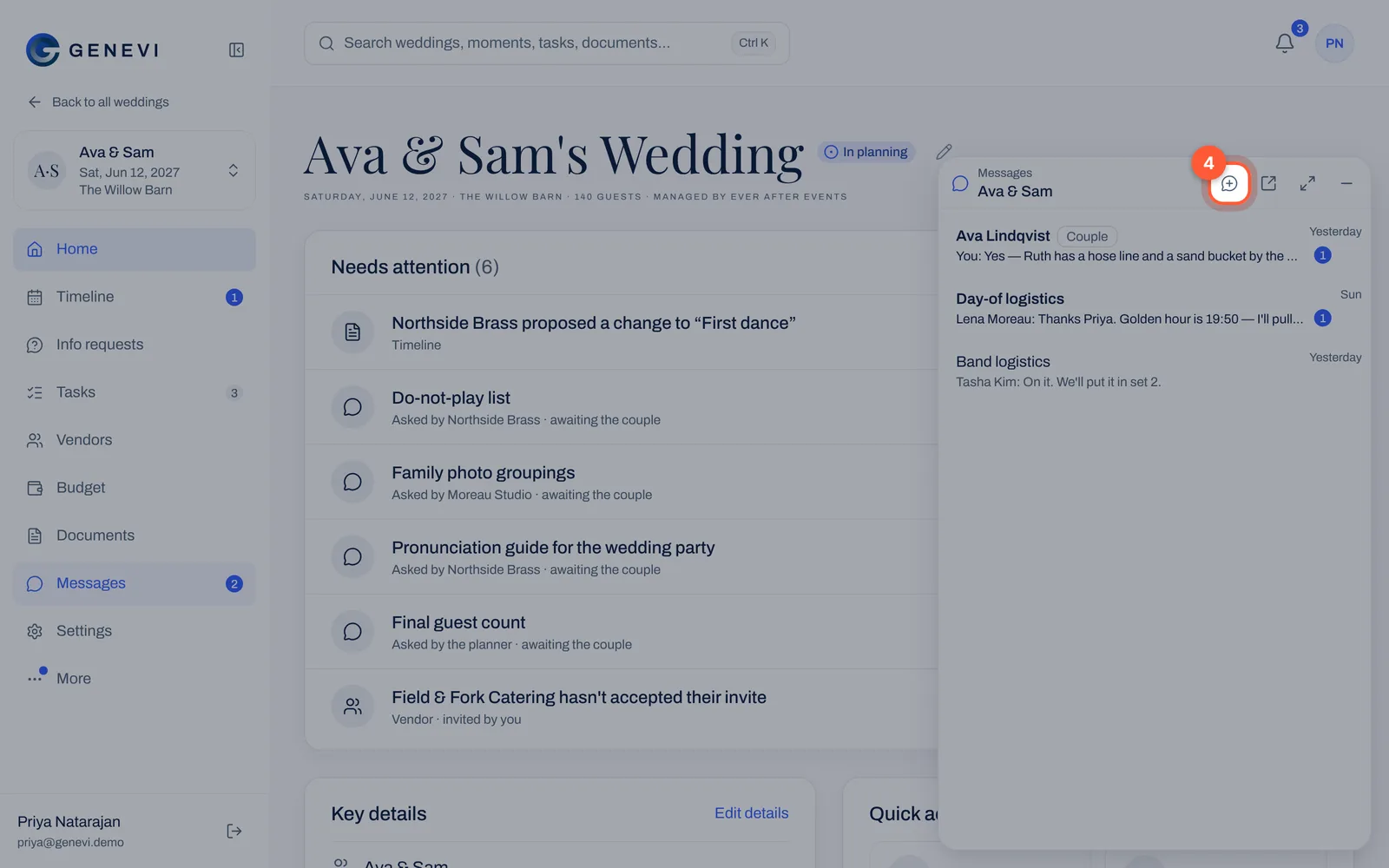
First, what it doesHow do messages work?Every conversation about a wedding stays with that wedding, so the right people see it and nothing gets lost in someone's inbox.Read this firstStep 1: Open the wedding and choose Messages in the wedding's menu. Your chats open on the right.
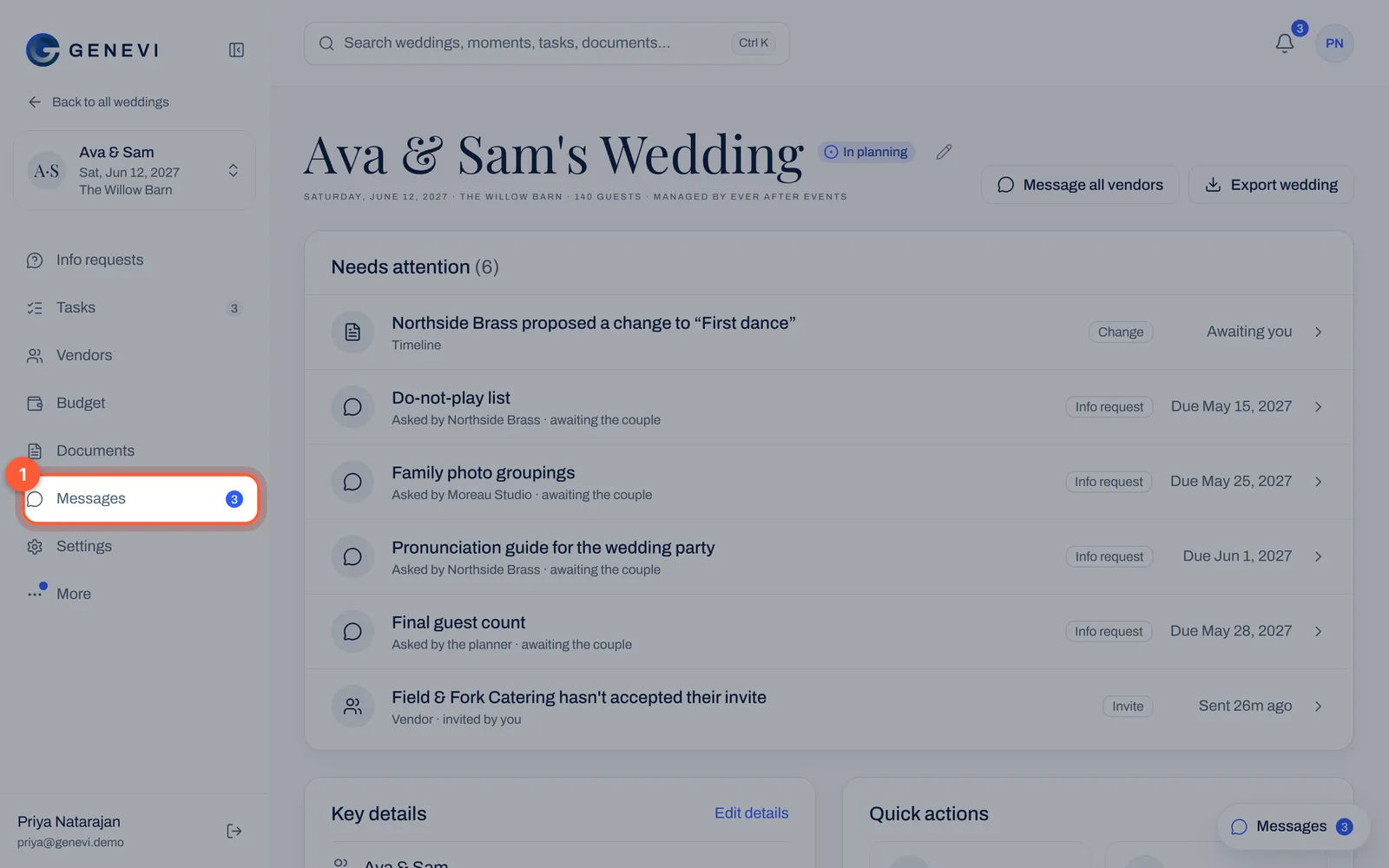
Step 2: Choose a chat to open it.
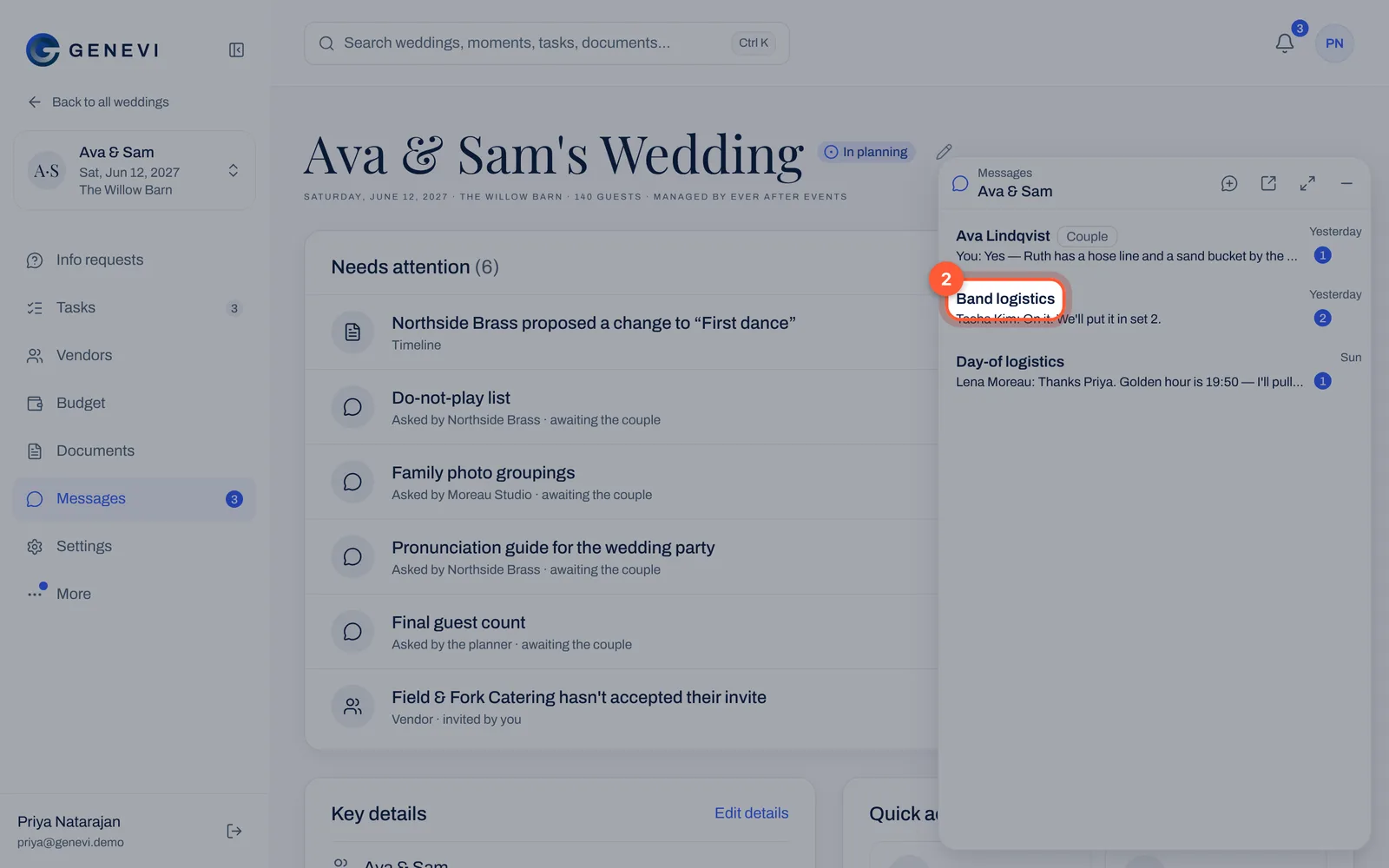
Step 3: Type your message at the bottom and choose Send. Everyone in the chat sees it at once.
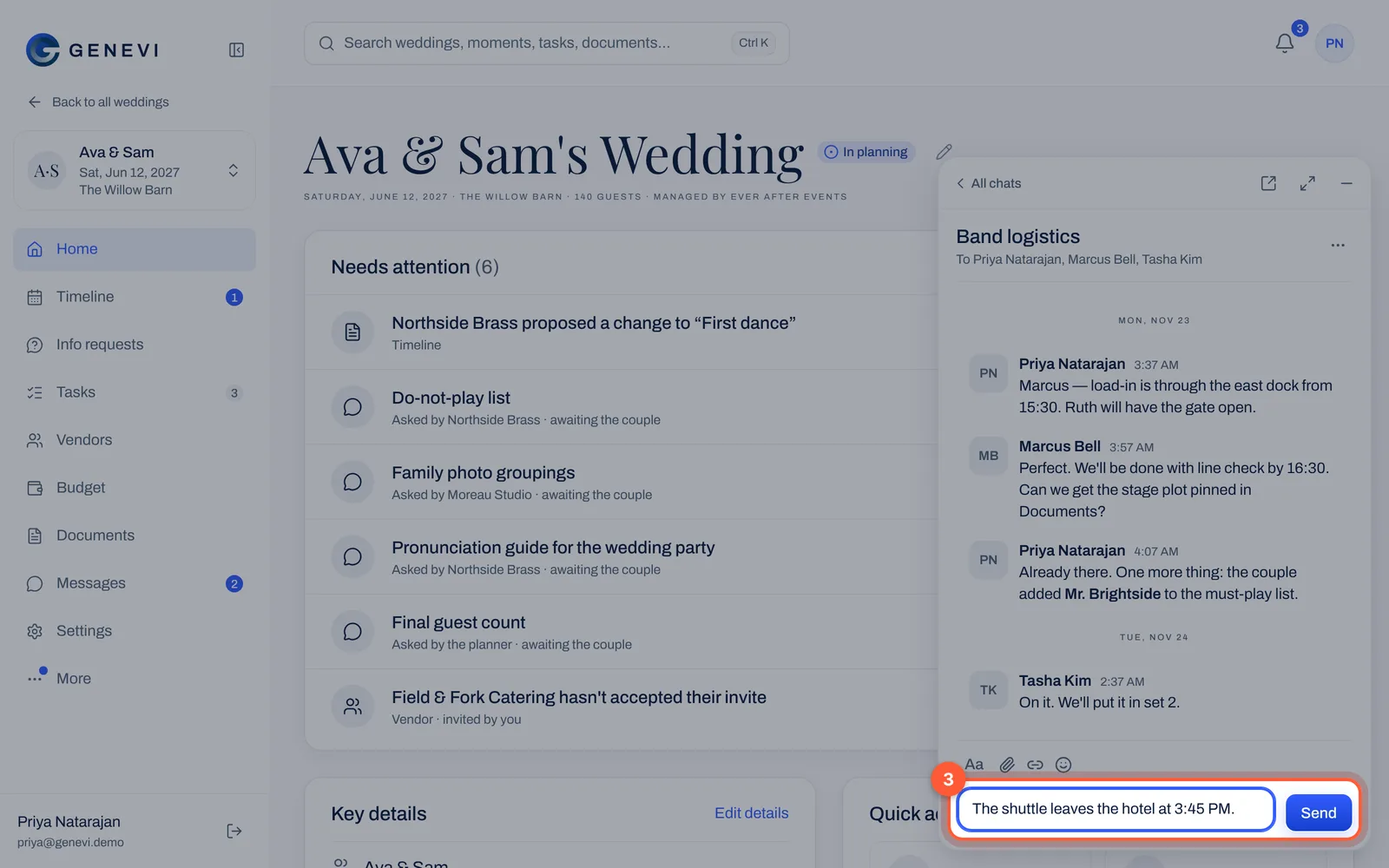
Step 4: To start a new chat, go back to All chats and choose the + button at the top of the panel. Then pick who to message.