HelpInfo requests, tasks and more
How to · 5 steps
Ask someone for information
Video coming soon: Info requests
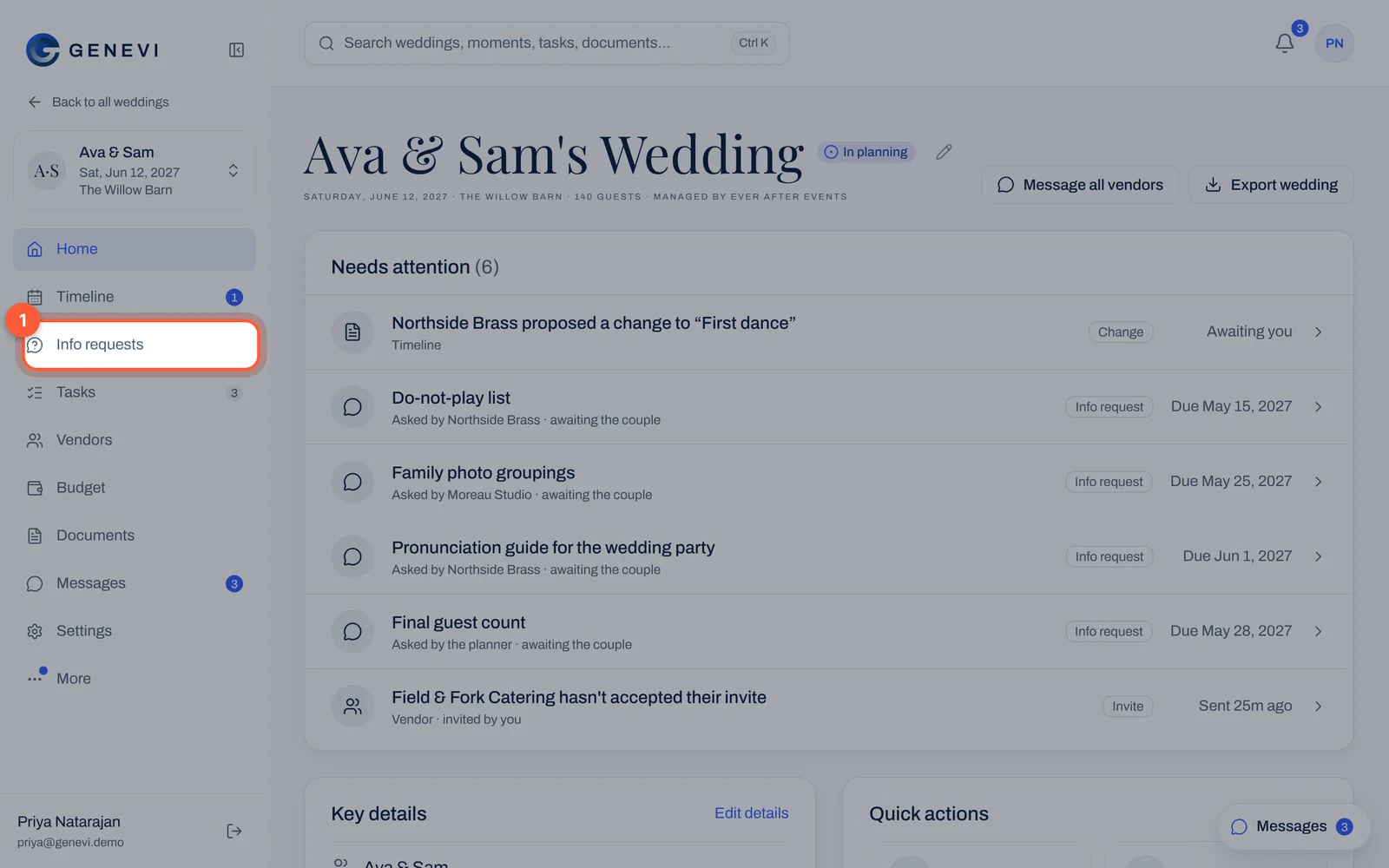
First, what it doesHow do info requests work?Ask once, and Genevi does the chasing. The answer is kept on the wedding, where everyone who needs it can find it.Read this firstStep 1: Open the wedding and choose Info requests in the wedding's menu.
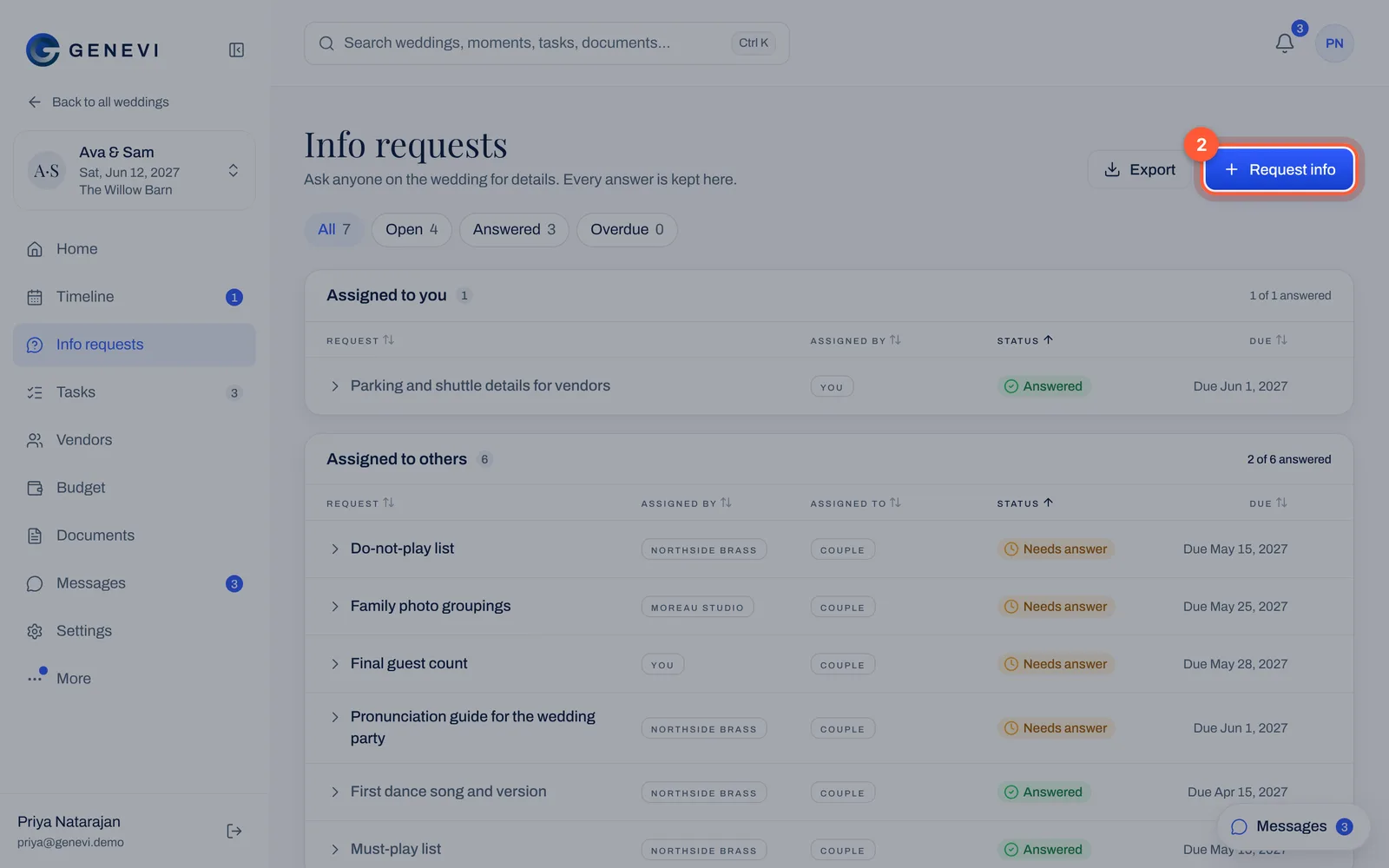
Step 2: Choose Request info, at the top right.
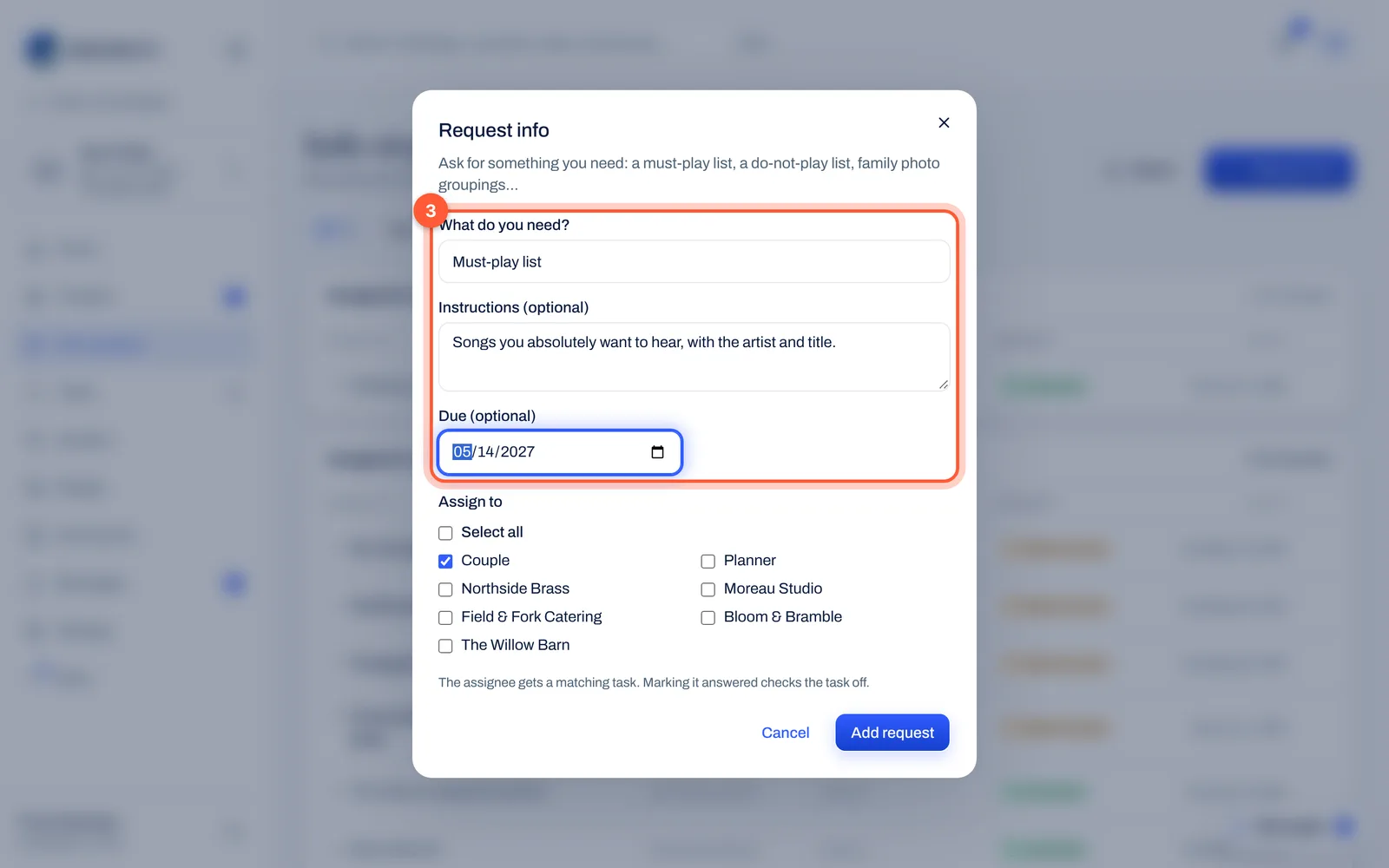
Step 3: Type what you need, such as a must-play list. Add a short note to explain, and a due date if there is one.
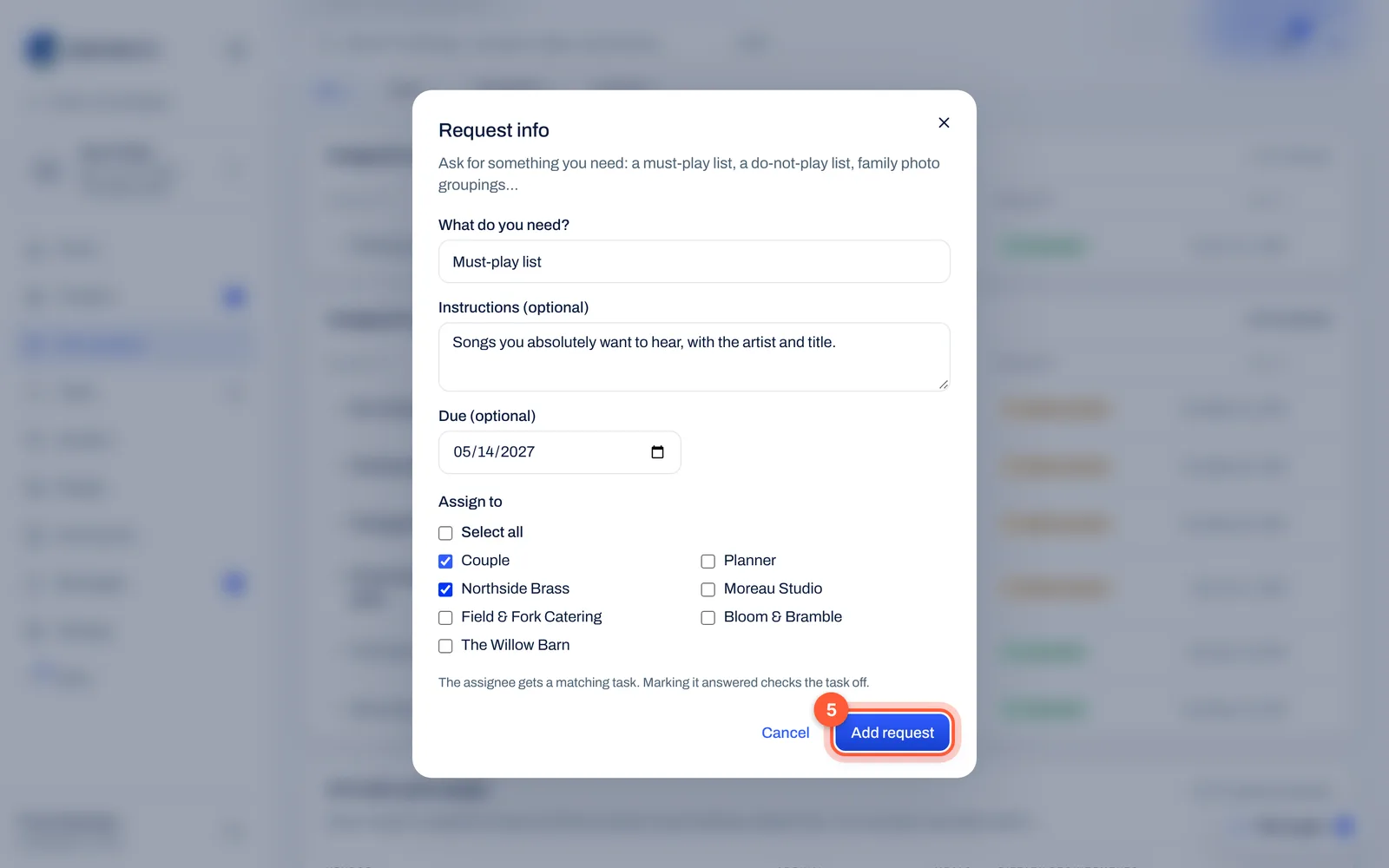
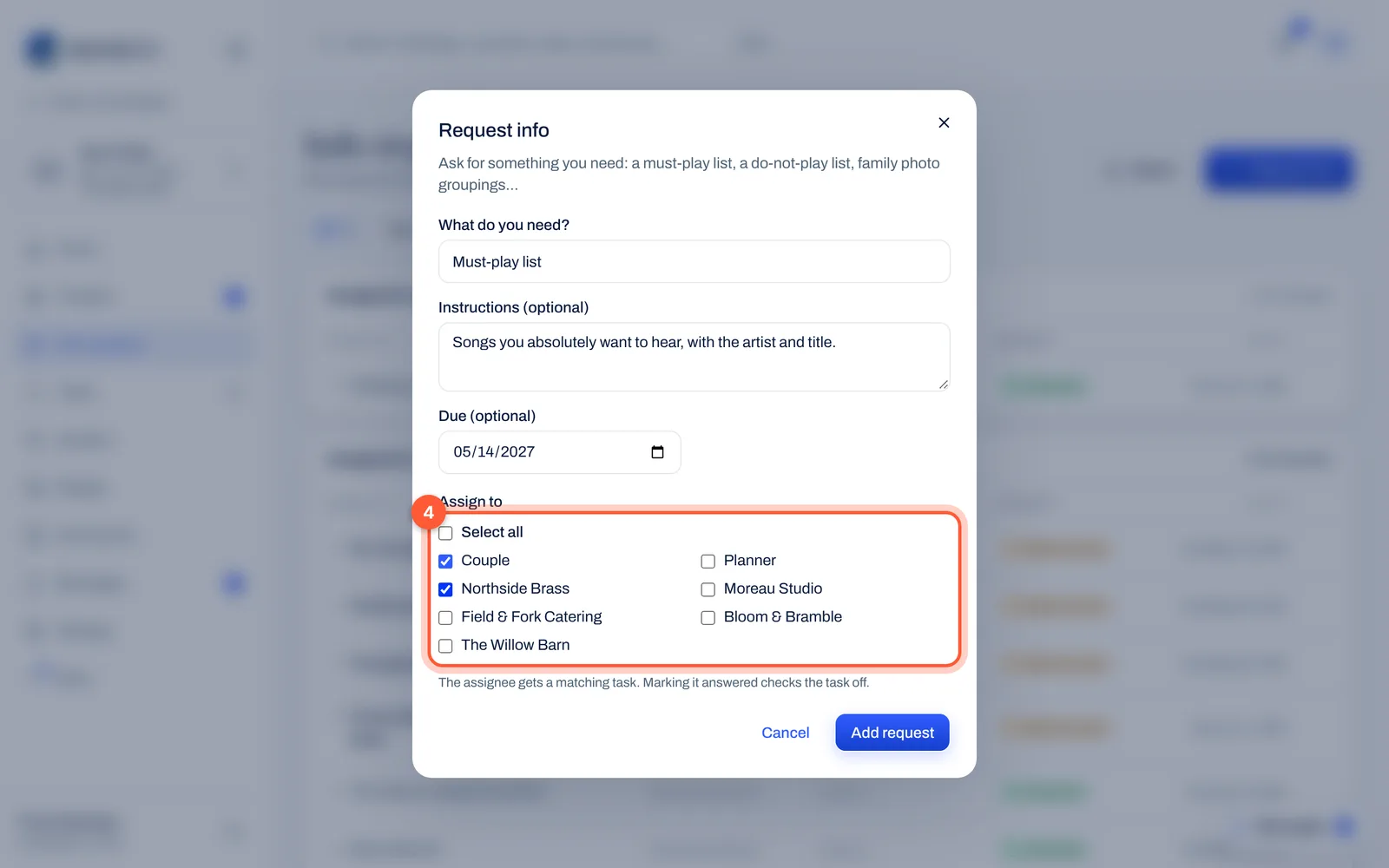
Step 4: Under Assign to, select who should answer. You can select more than one.
Step 5: Choose Add request. Each person gets a matching task, and it's checked off for them once they answer.