HelpInfo requests, tasks and more
How to · 5 steps
Add a task and check it off
Video coming soon: Tasks and documents
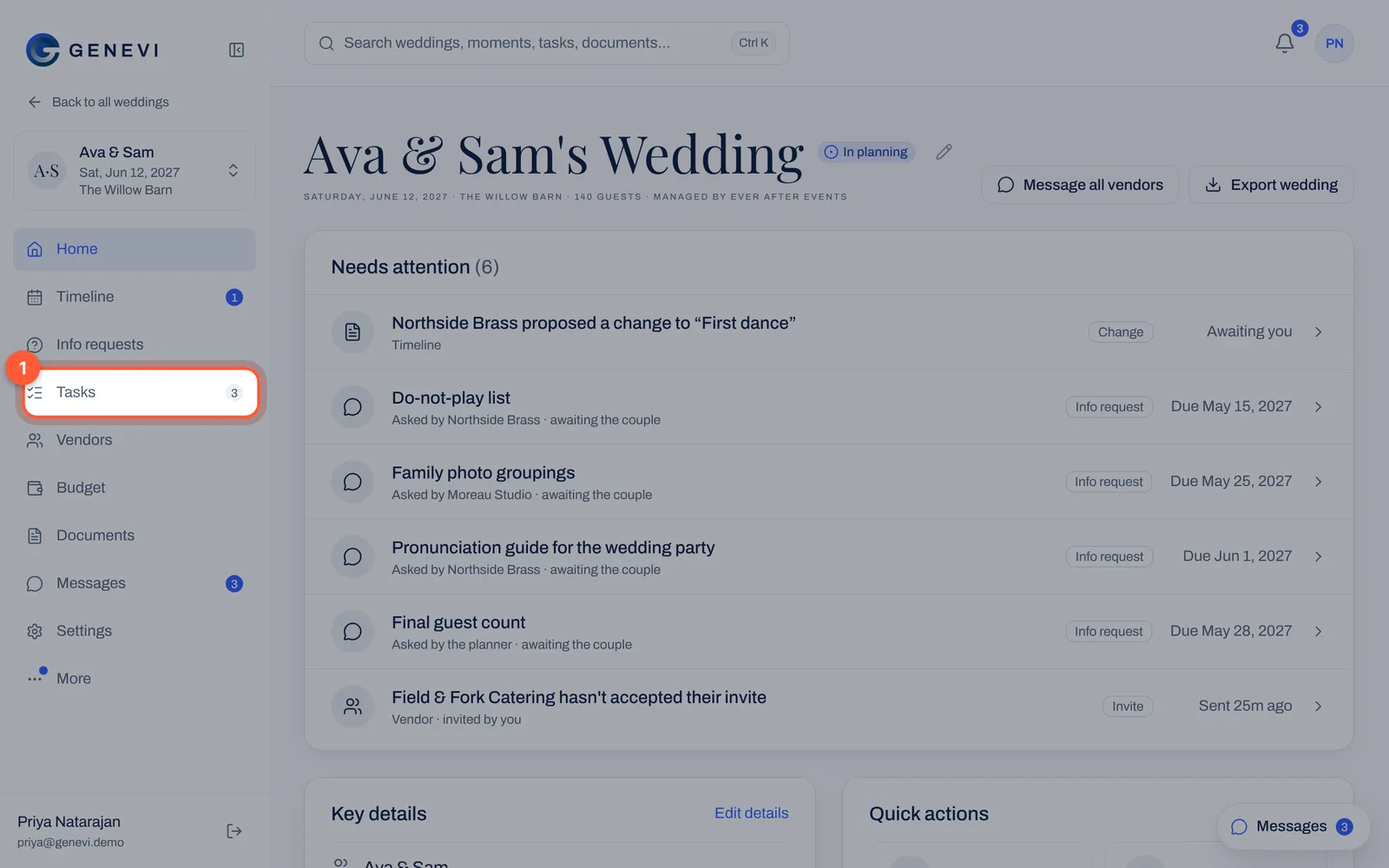
First, what it doesHow do tasks work?Every job for the wedding in one list, with who's doing it and when it's due. Genevi reminds people, so you don't have to.Read this firstStep 1: Open the wedding and choose Tasks in the wedding's menu.
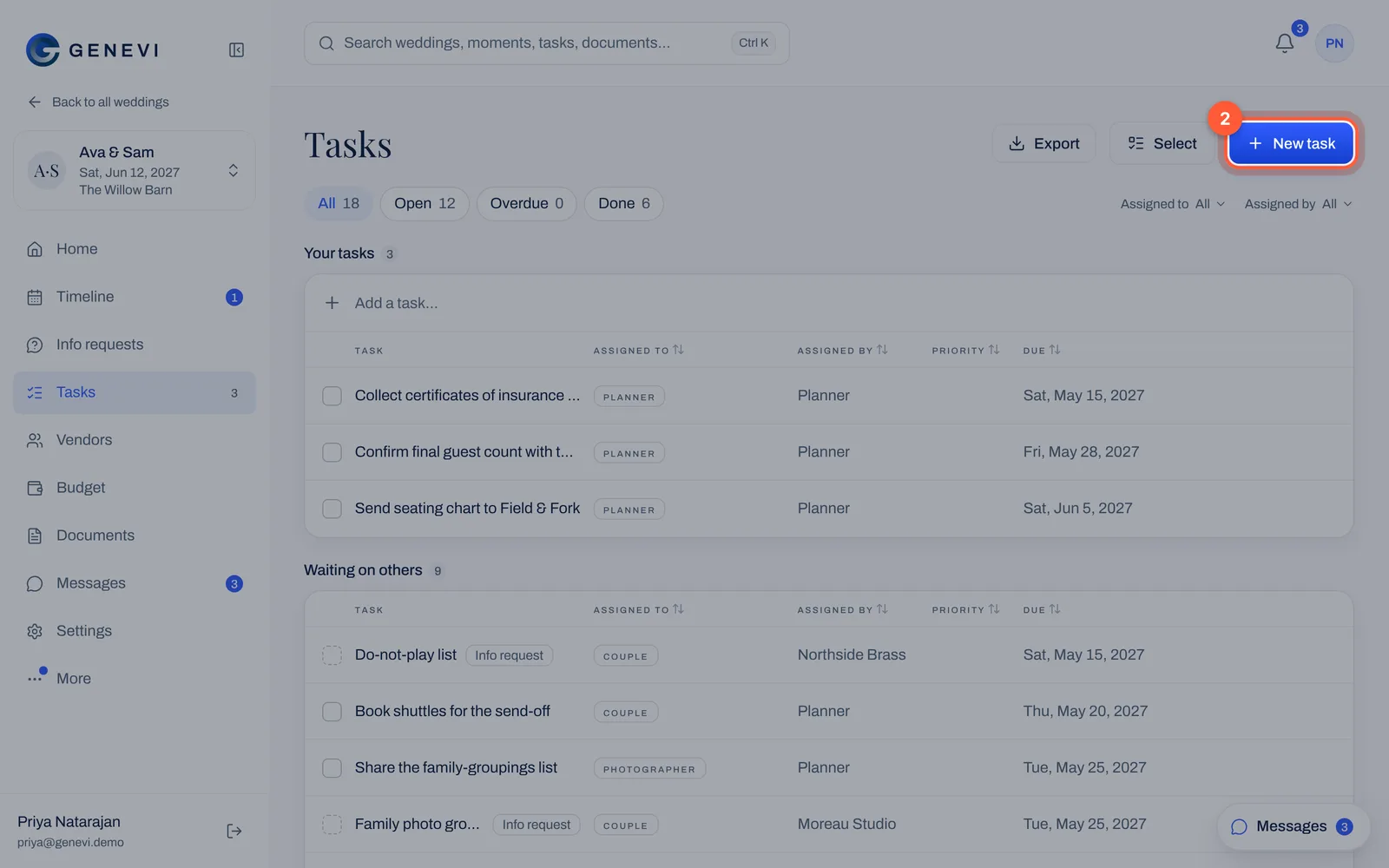
Step 2: Choose New task, at the top right.
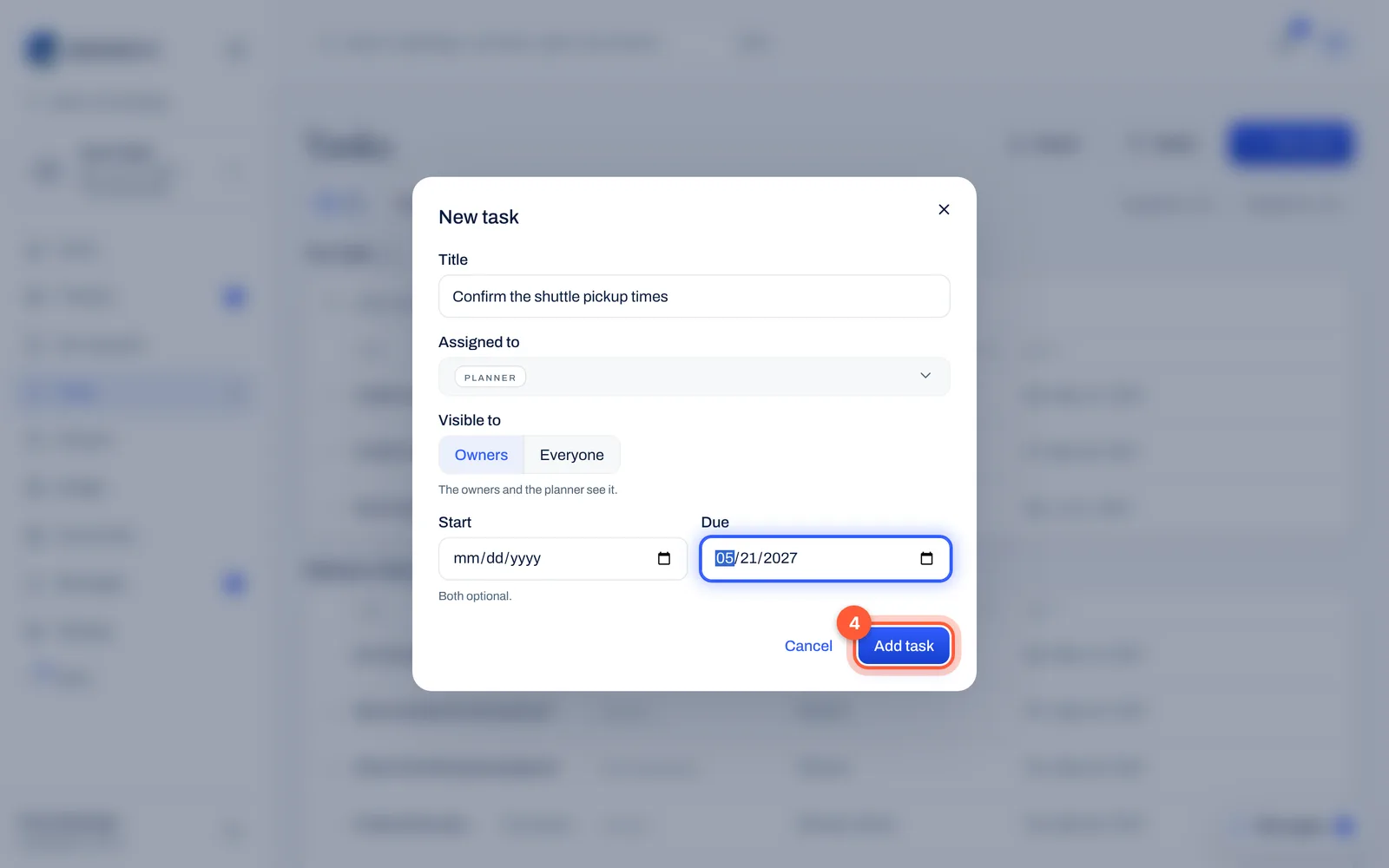
Step 3: Type what needs doing. Choose who it's for and who can see it, and add a due date if you like.
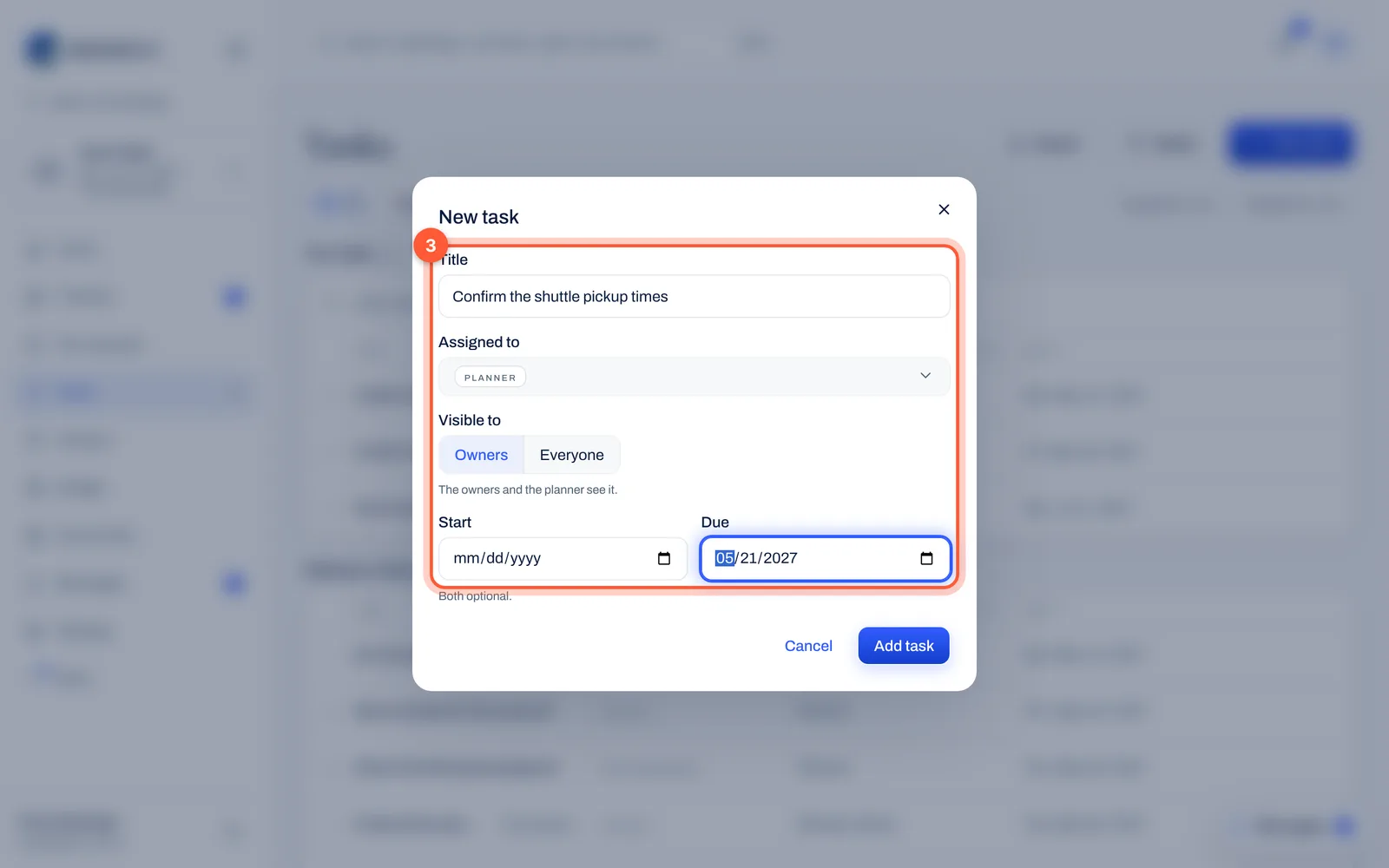
Step 4: Choose Add task. The person it's for sees it in their own task list.
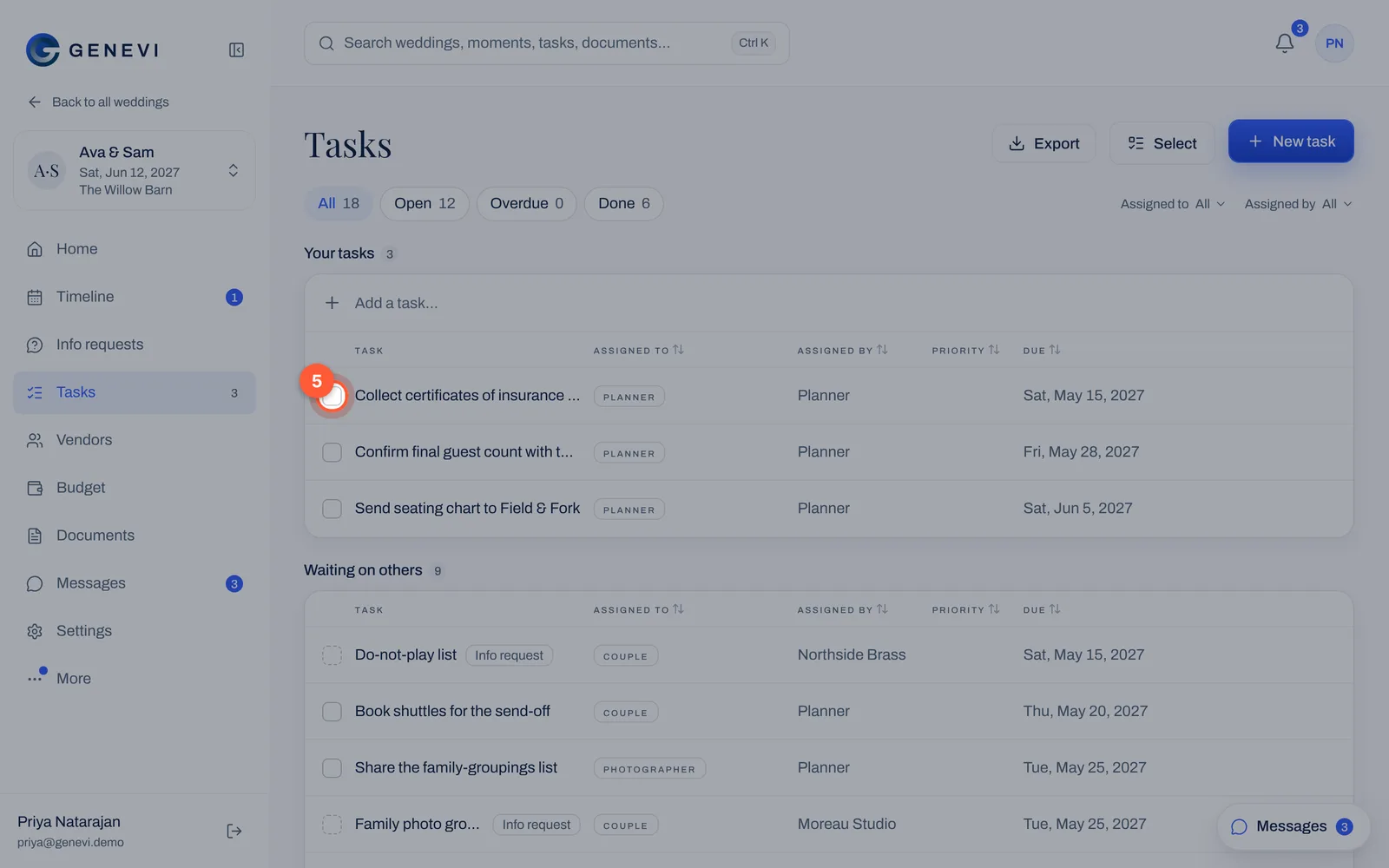
Step 5: When it's done, select the box next to it.