
How to · 4 steps
Invite your couple and team
Video coming soon: Inviting your couple and vendors
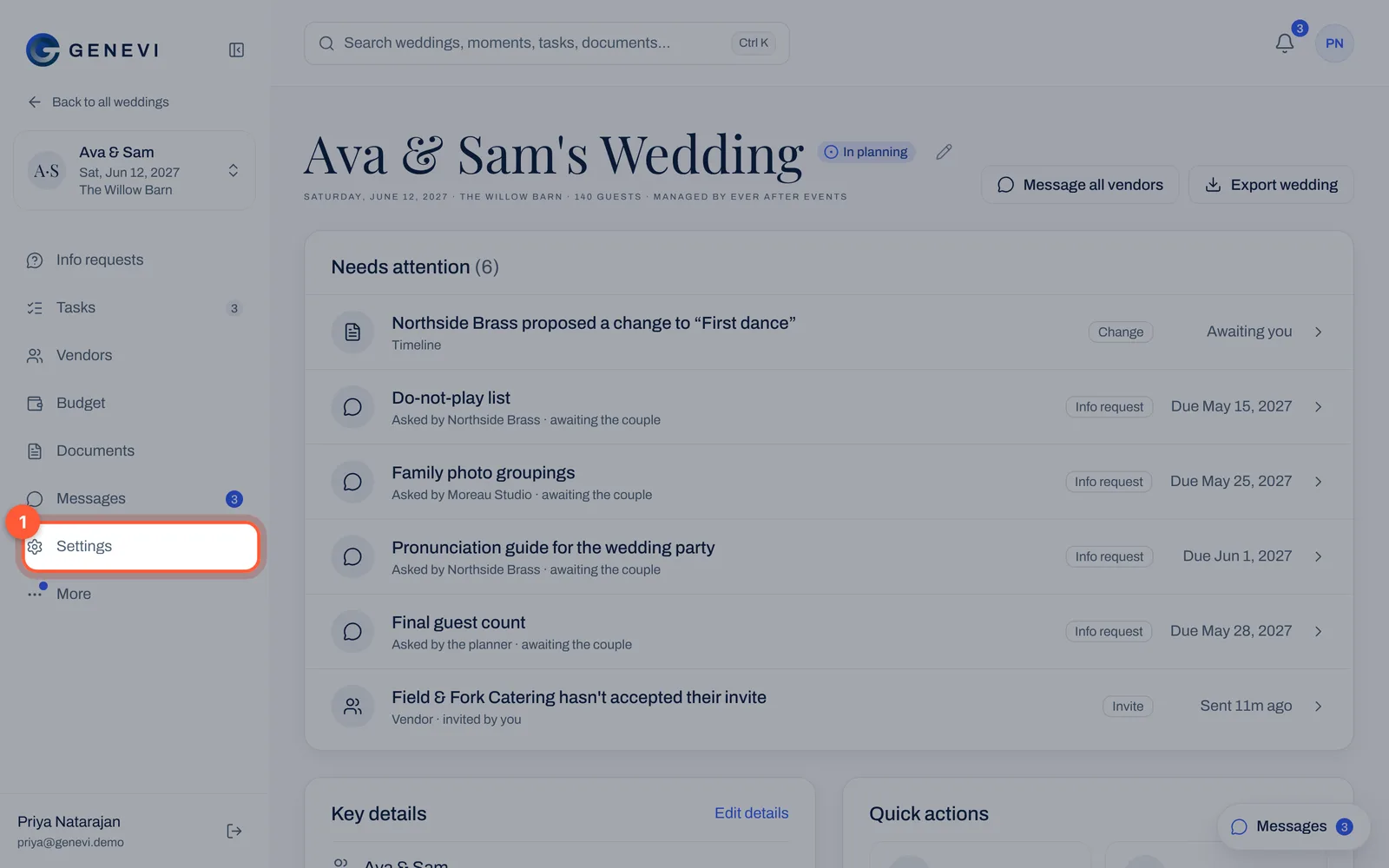
First, what it doesWho can I invite to a wedding?Anyone involved in the day. Each person sees only what their role needs.Read this firstStep 1: Open the wedding and choose Settings in the wedding's menu on the left.
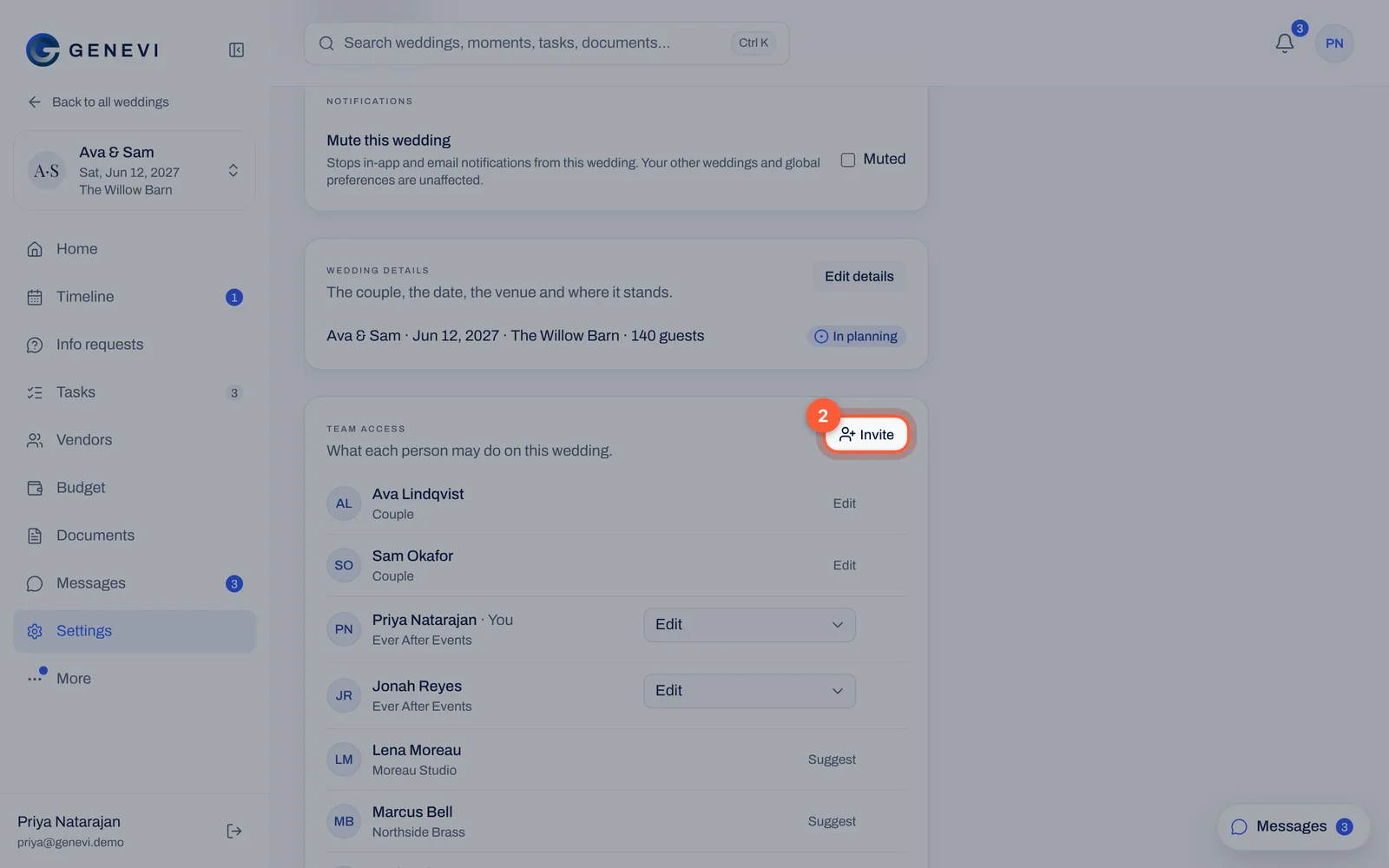
Step 2: Find Team access and choose Invite.
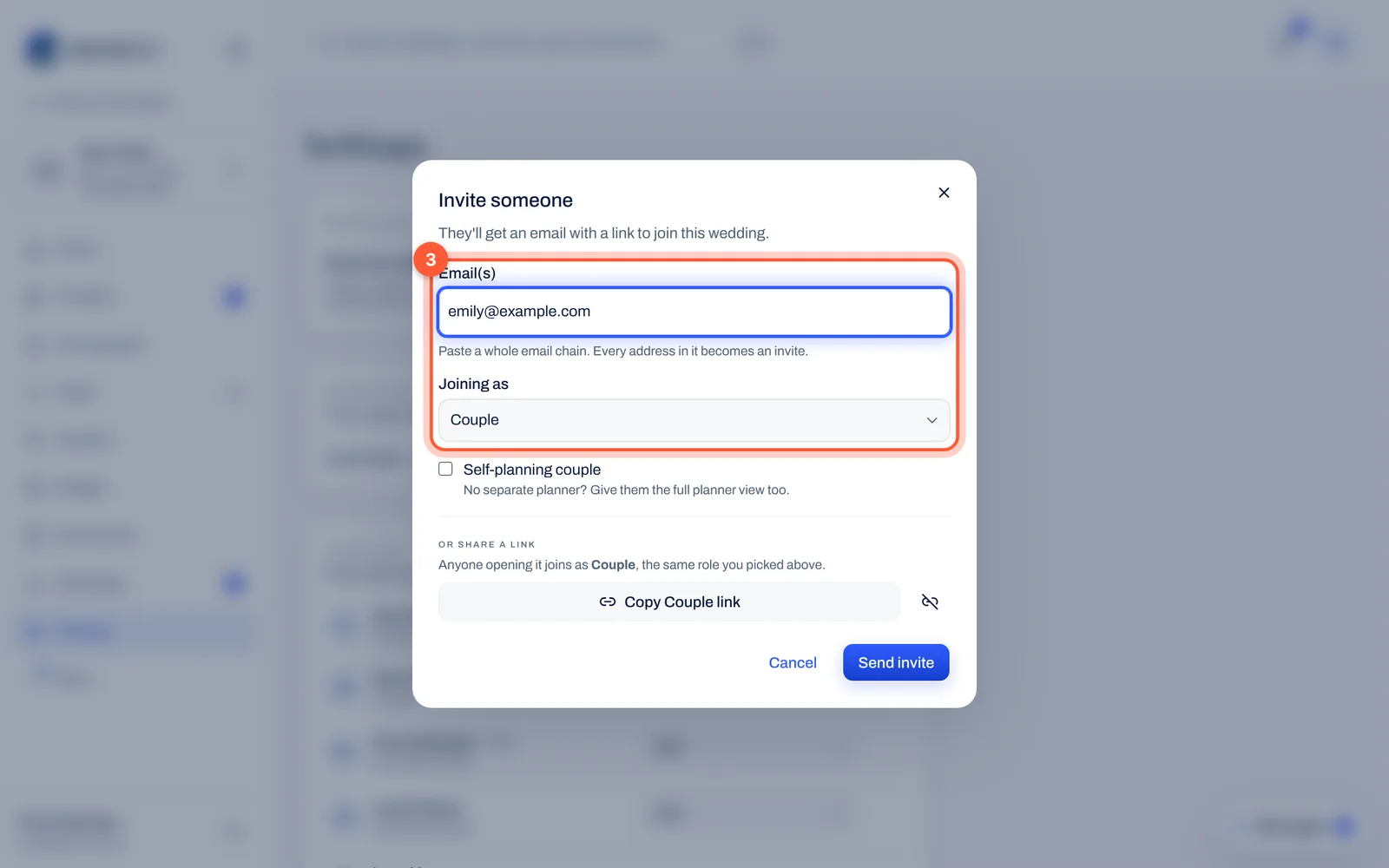
Step 3: Type their email address. You can paste several at once. Under Joining as, choose Couple, Planner, Vendor or Viewer (read only).
Step 4: Choose Send invite. They get an email with a link that brings them straight into this wedding. Joining is free for the couple, vendors and family. A planner from another business on a paid plan uses one of their included weddings.
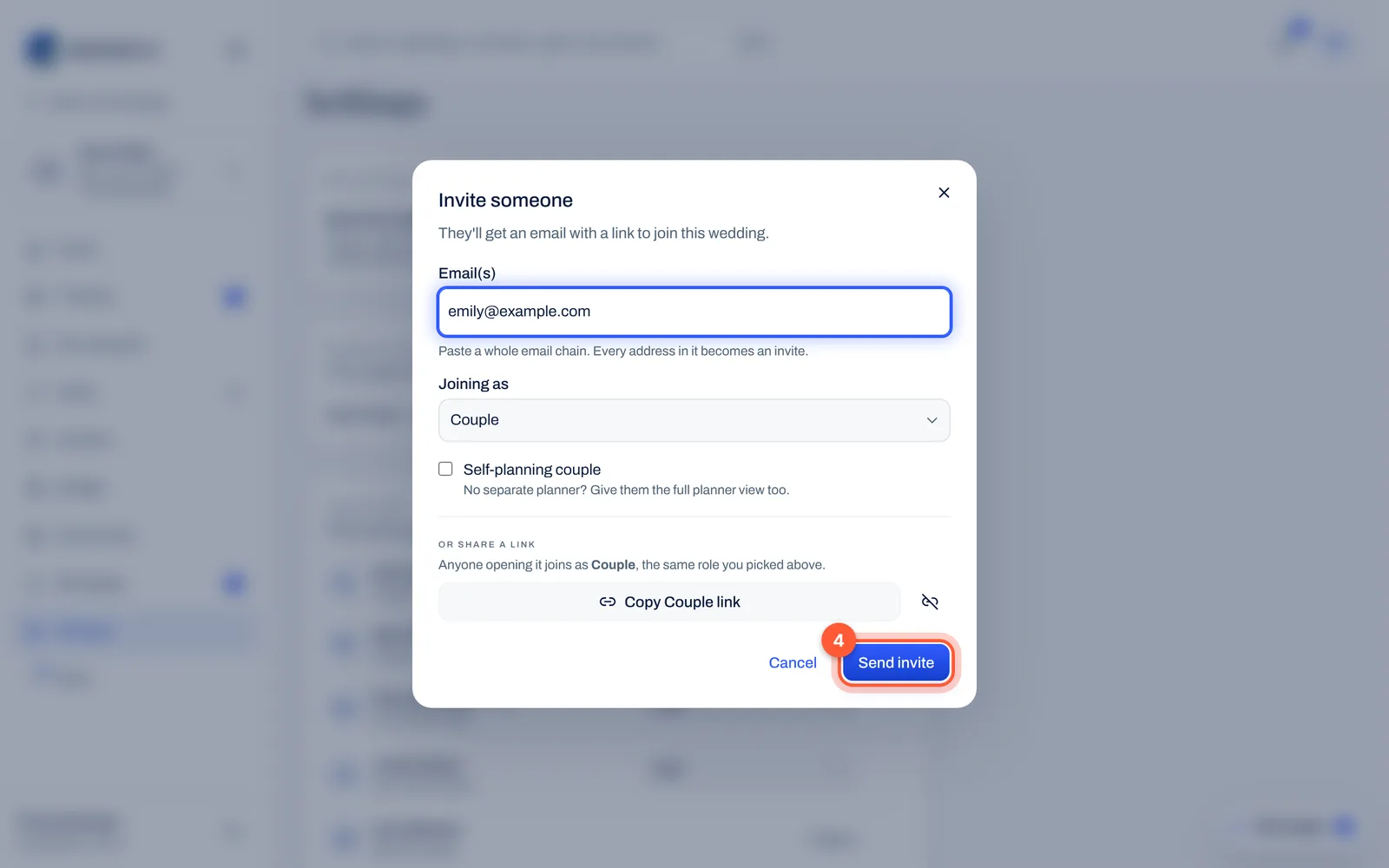
If something goes wrong: Rather send the link yourself, by text or WhatsApp? Choose Copy Couple link in the same window. Anyone who opens it joins in the role you picked.