
How to · 4 steps
Add a vendor to a wedding
Video coming soon: Inviting your couple and vendors
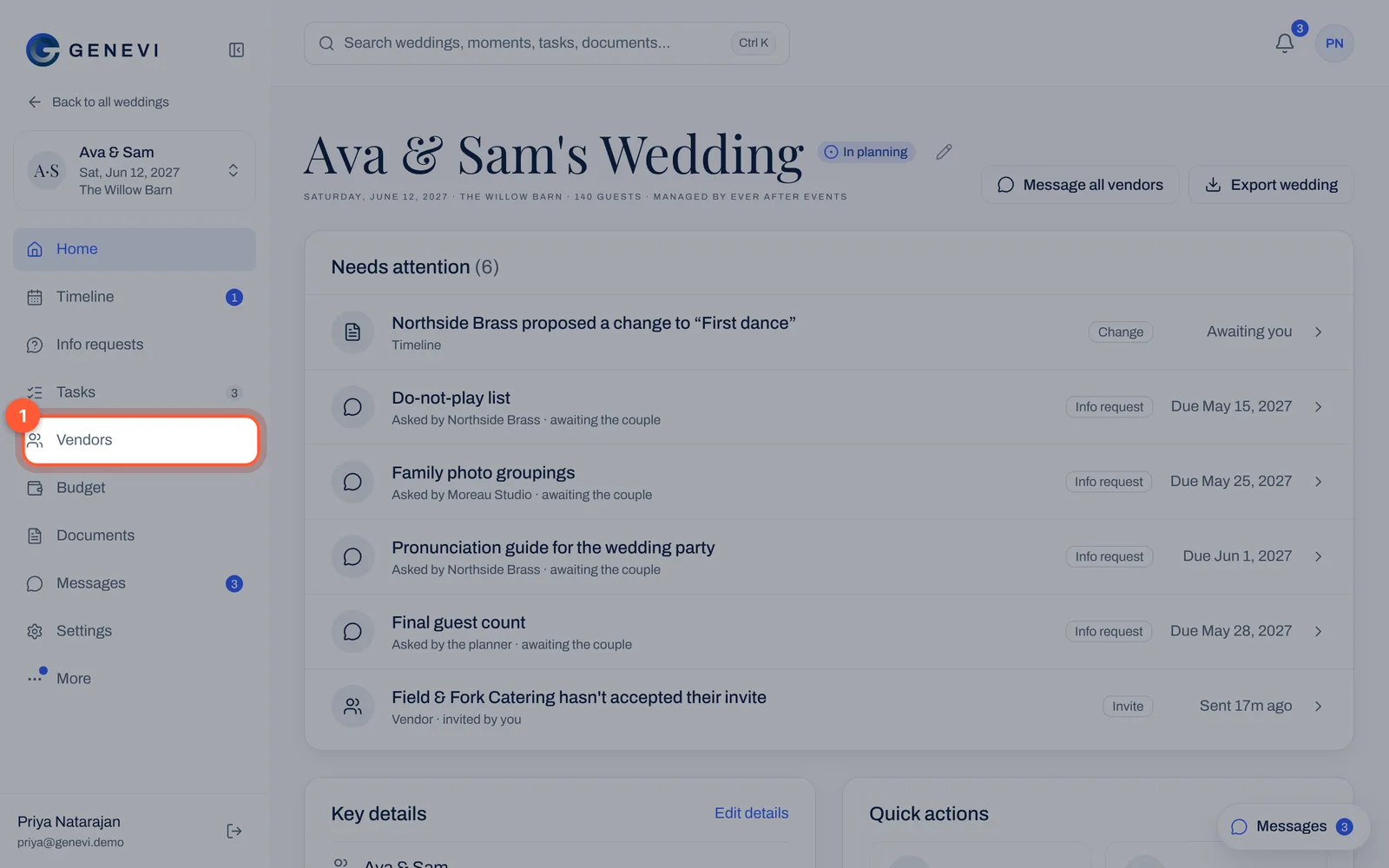
First, what it doesWhat's on a wedding's Vendors page?Everyone working on the wedding, how to reach them, and whether they've joined Genevi yet, all on one page.Read this firstStep 1: Open the wedding and choose Vendors in the wedding's menu.
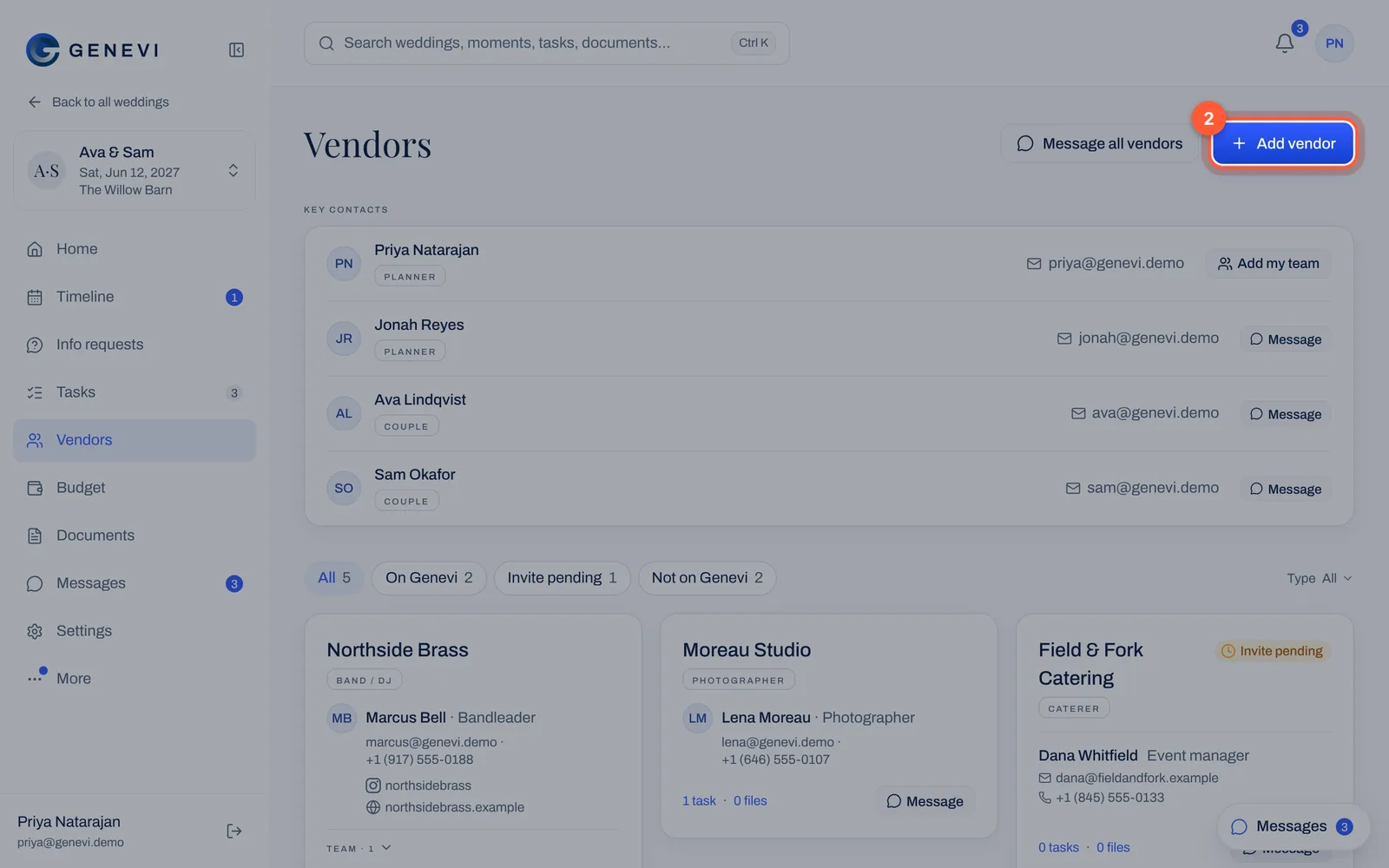
Step 2: Choose Add vendor, at the top right.
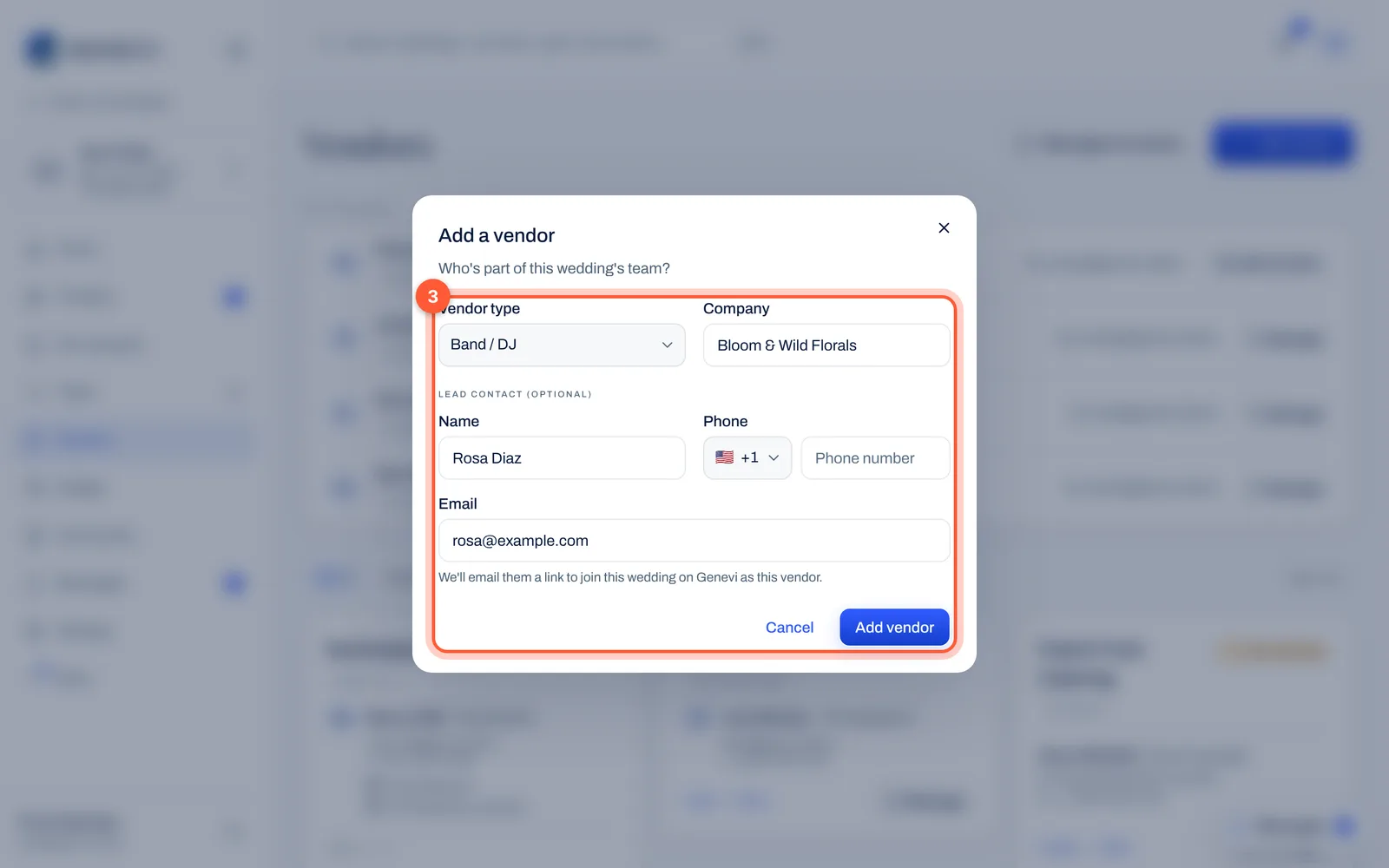
Step 3: Choose the vendor type and type their company name. Add the lead contact's name, phone and email.
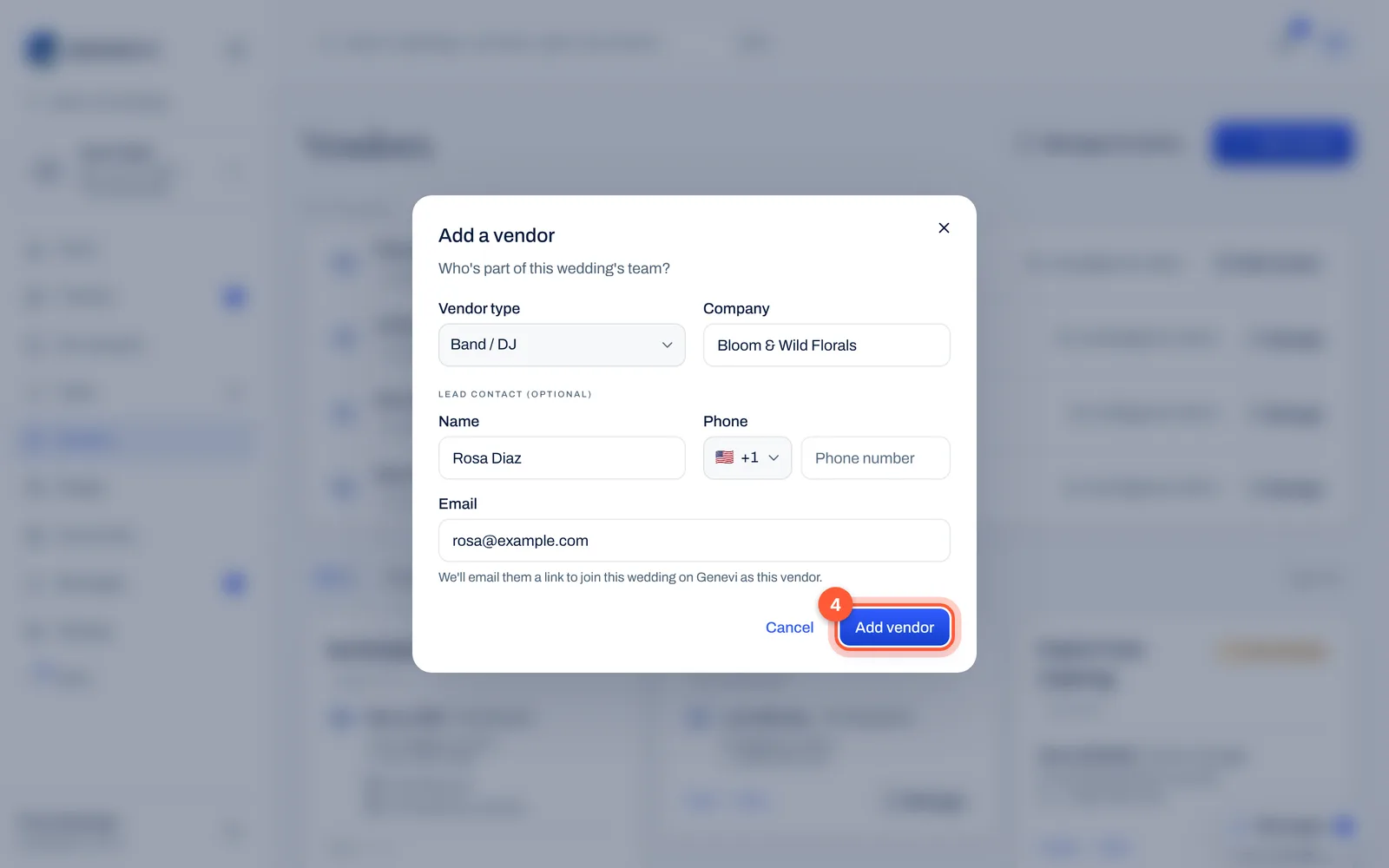
Step 4: Choose Add vendor. If you gave an email, they're sent a link to join this wedding as that vendor.
If something goes wrong: No email yet? Add the vendor without one. They show on the wedding as Not on Genevi, and you can invite them later.