
How to · 6 steps
Start a new wedding
Video coming soon: Starting a new wedding
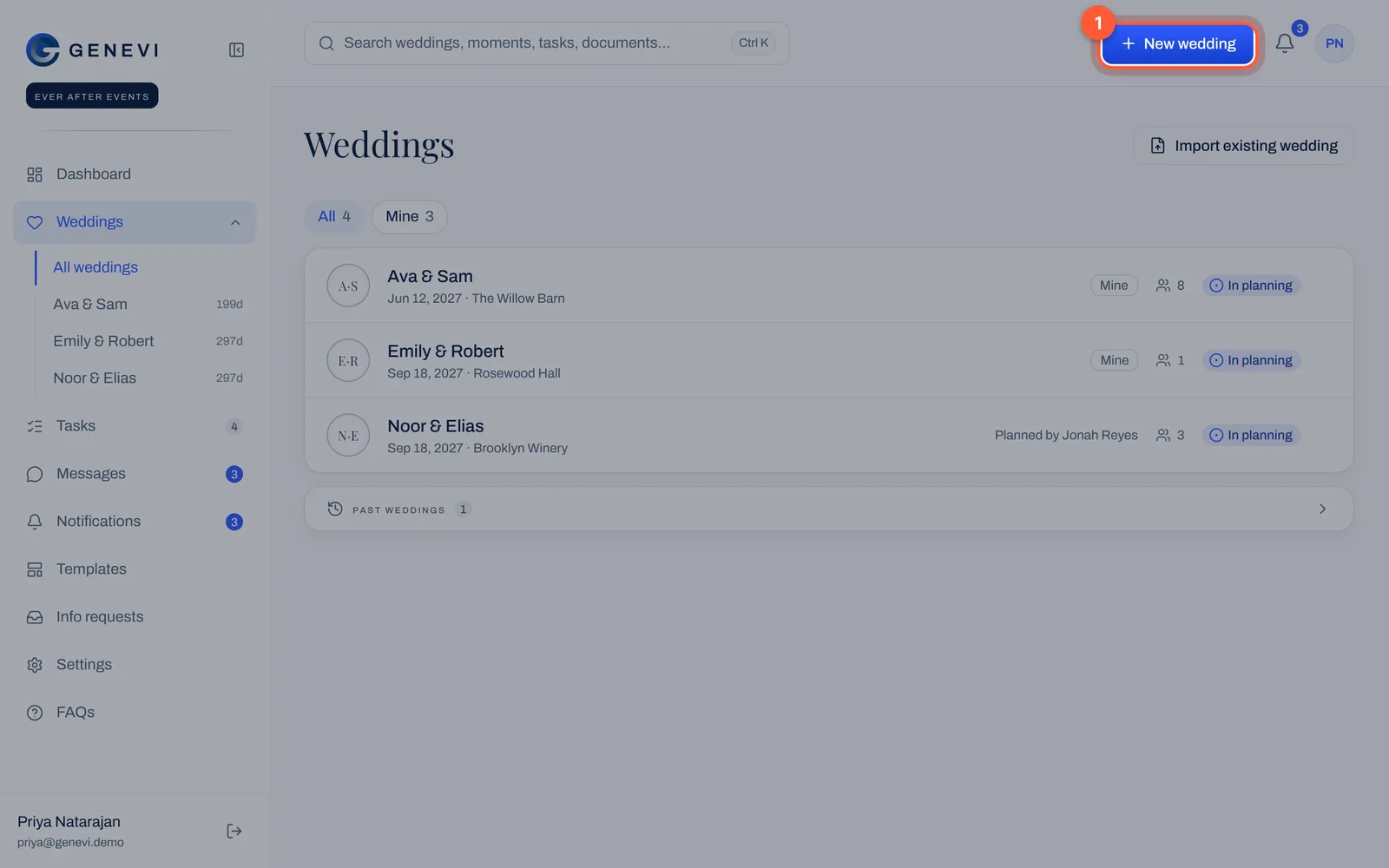
First, what it doesWhat happens when I create a wedding?The wedding gets its own place in Genevi: its own Home, Timeline, Tasks, Vendors, Budget, Documents and Messages. Nobody else sees it until you invite them.Read this firstStep 1: Choose New wedding, at the top right of any page.
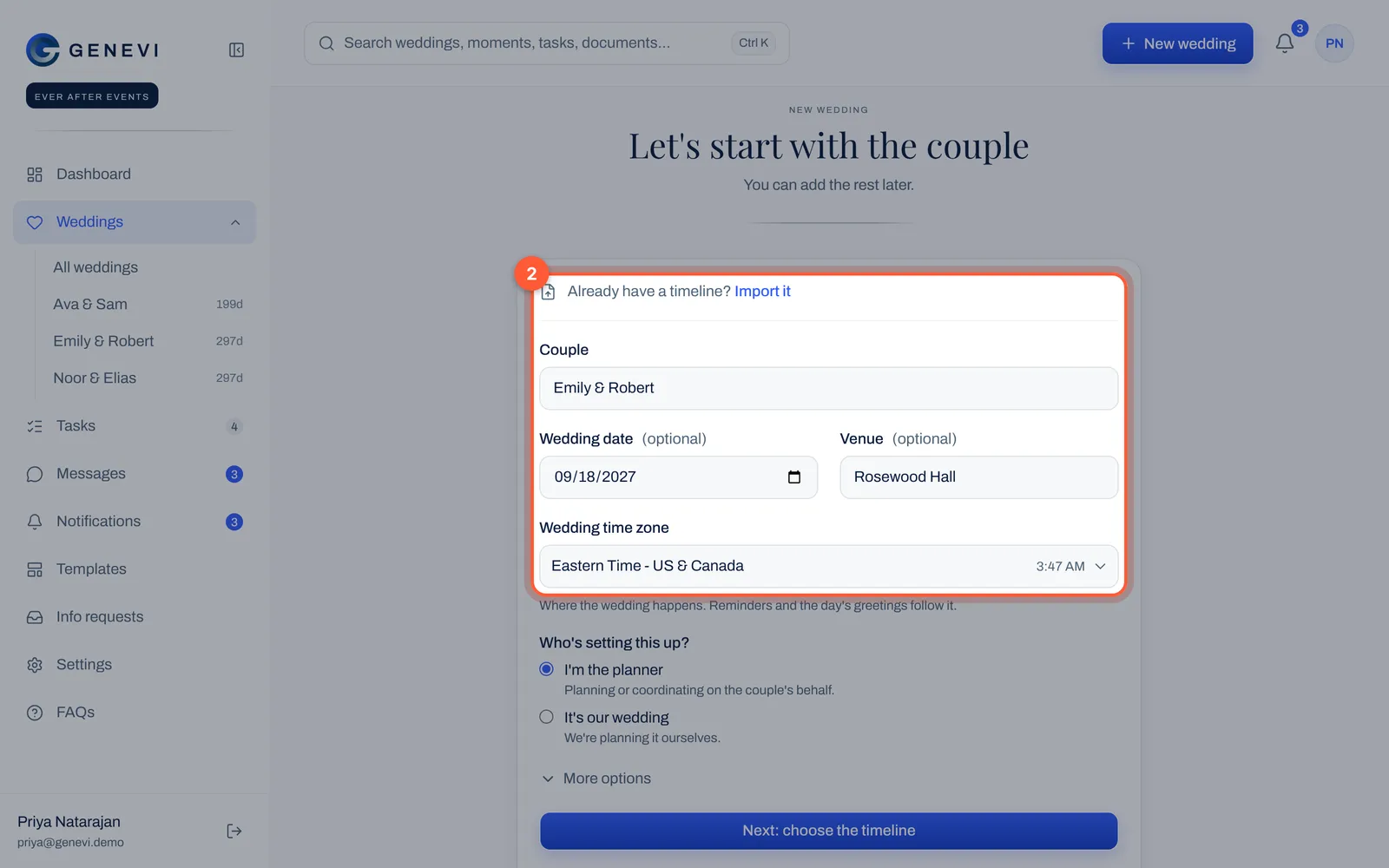
Step 2: Type the couple's names. Add the wedding date, the venue and the time zone if you know them. You can add them later.
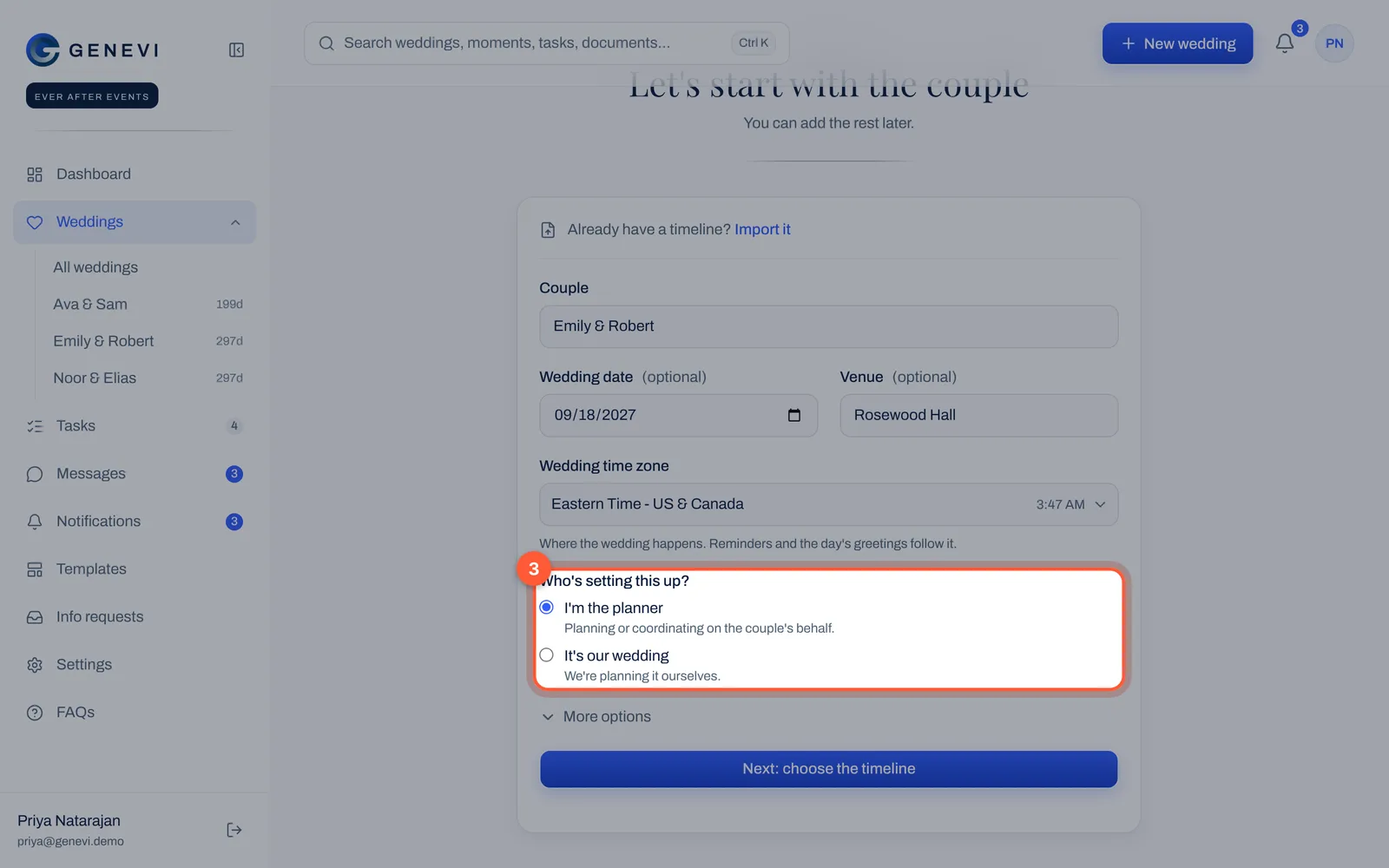
Step 3: Under Who's setting this up?, choose I'm the planner, or It's our wedding if you are the couple.
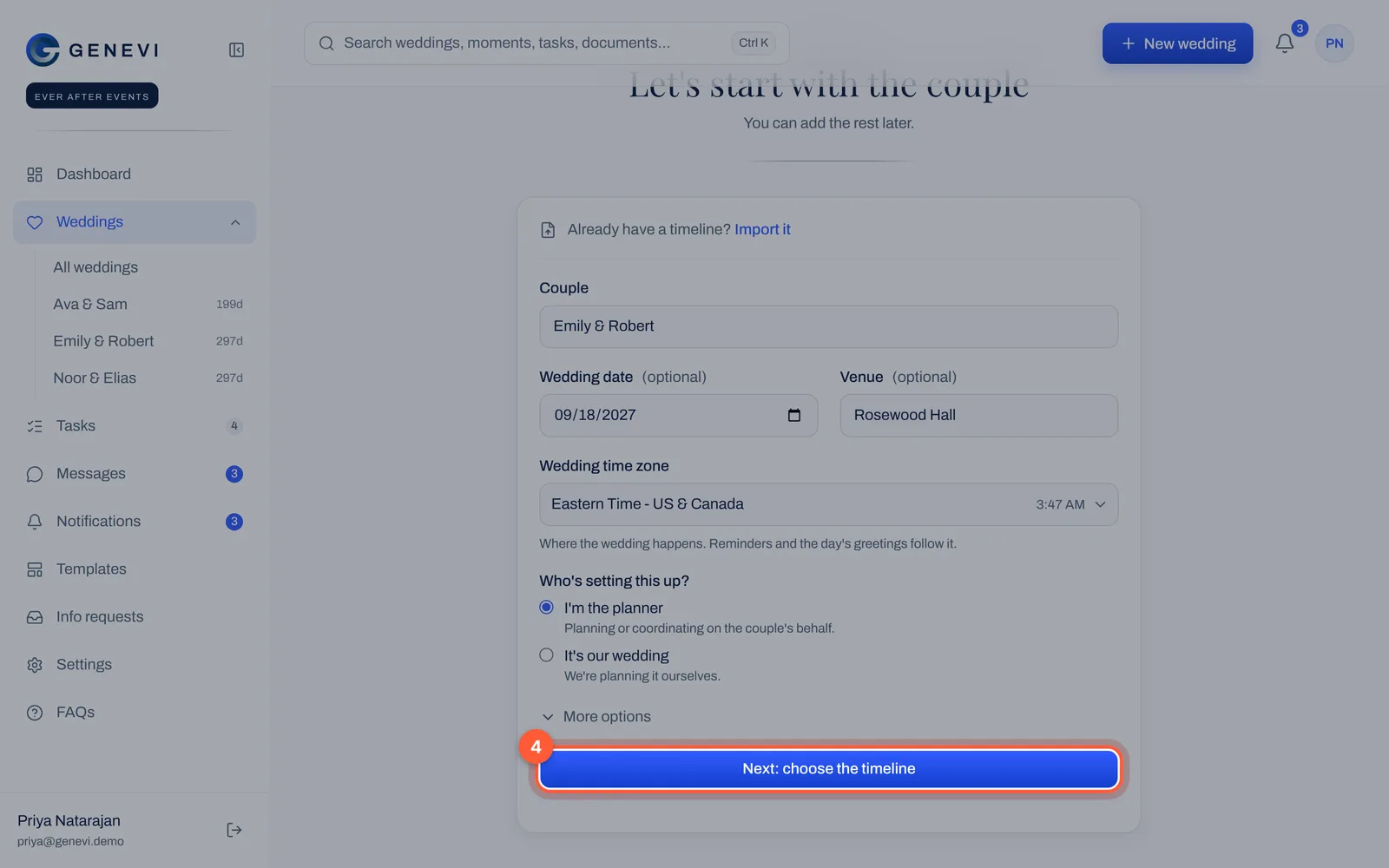
Step 4: Choose Next: choose the timeline.
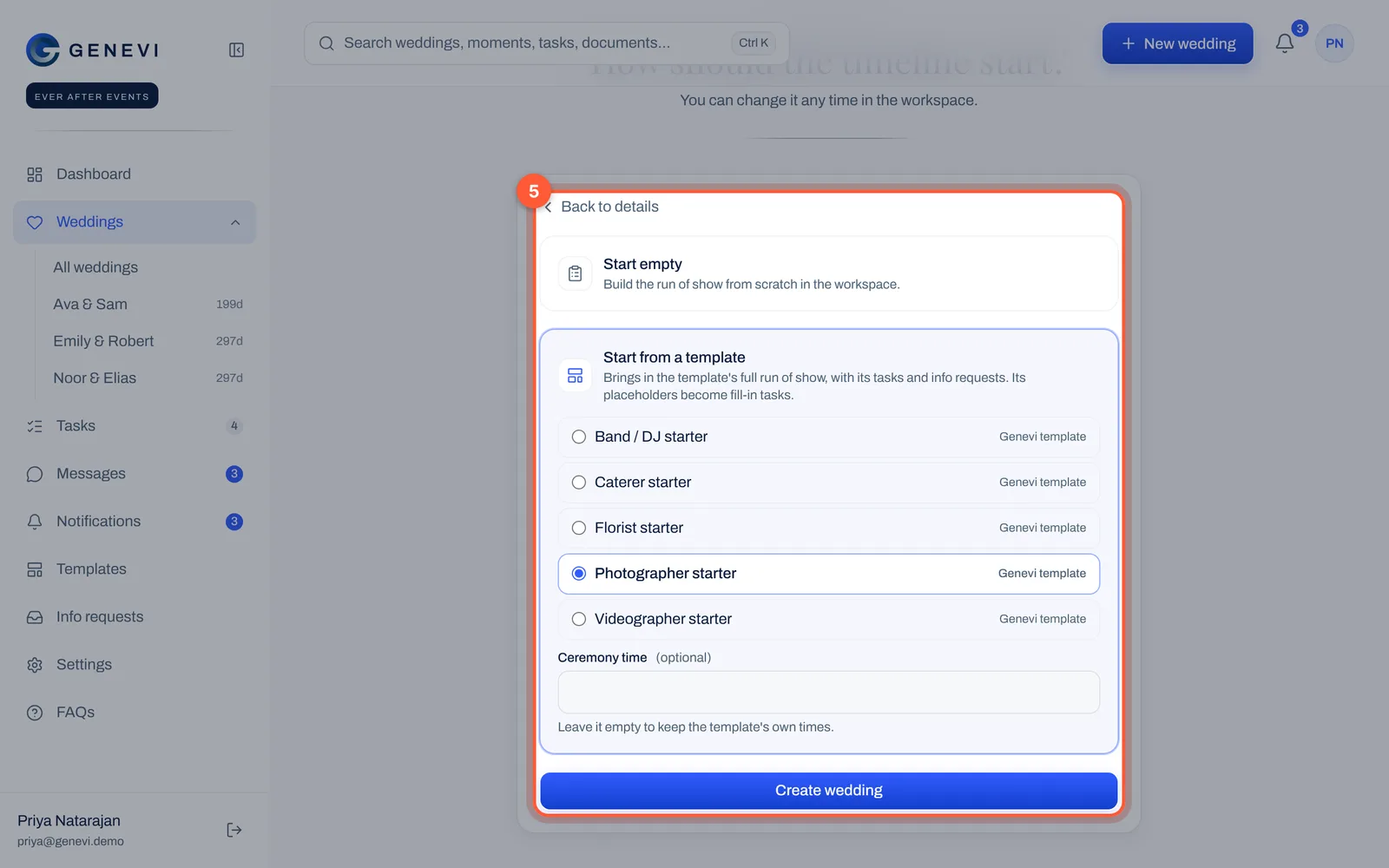
Step 5: Choose Start empty to build the day yourself, or Start from a template and pick one. A template brings in its moments, tasks and info requests.
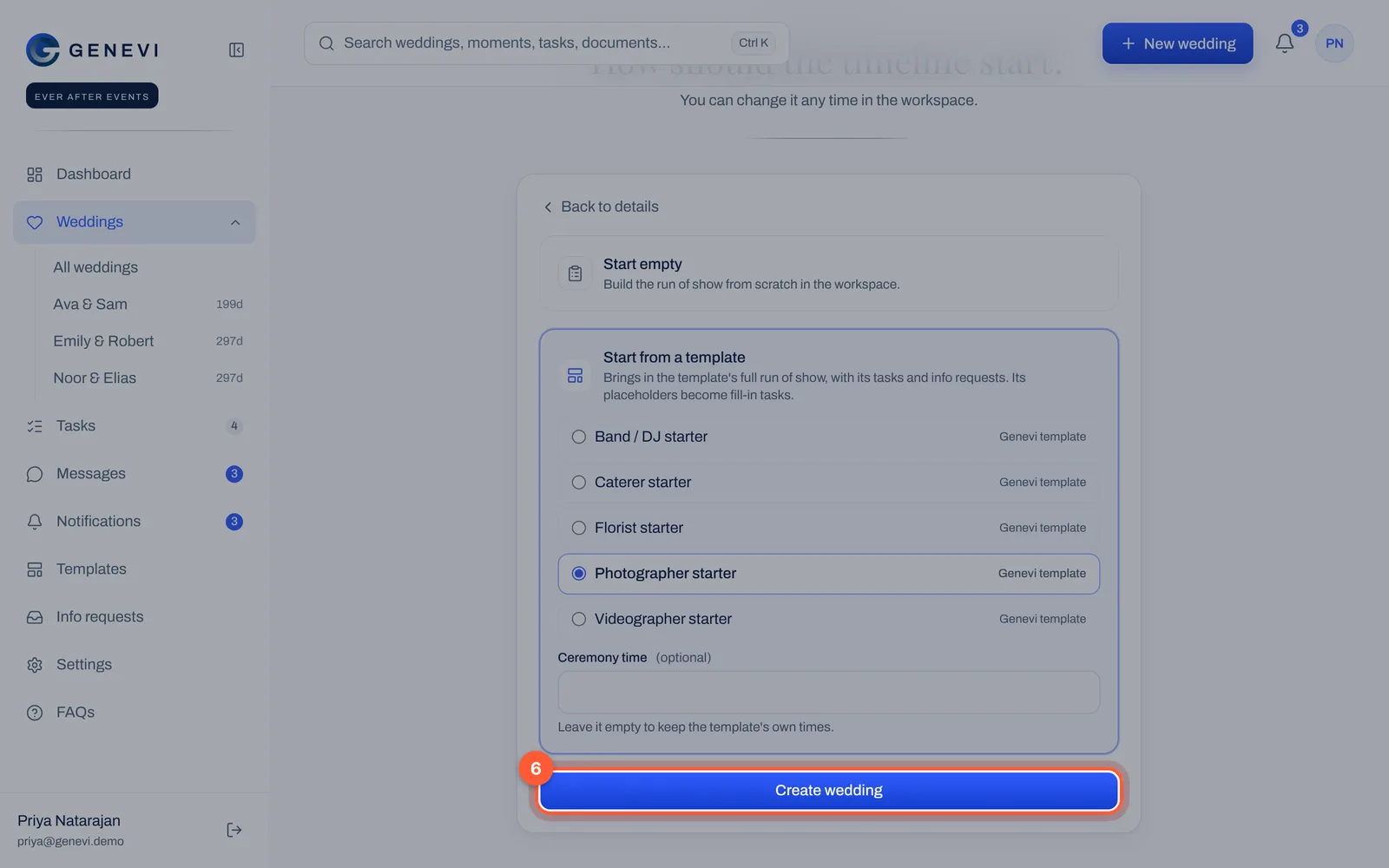
Step 6: Choose Create wedding. Your new wedding opens, ready for you to invite the couple and your vendors.
If something goes wrong: Already have the timeline in a spreadsheet or PDF? Choose Import it at the top of the form instead, and Genevi reads it for you.