Genevi

HelpGetting started

Question

What's on a wedding's Home page?

Everything about one wedding at a glance: what needs attention, the key details, quick actions and what's changed lately.

Without Genevi

With Genevi

Hunting through emails to see what's still open on a wedding
Needs attention lists it, with who it's waiting on
The date and venue in one place, the guest count in another
Key details in one card, kept up to date
Asking around to find out what changed
Recent activity shows who did what
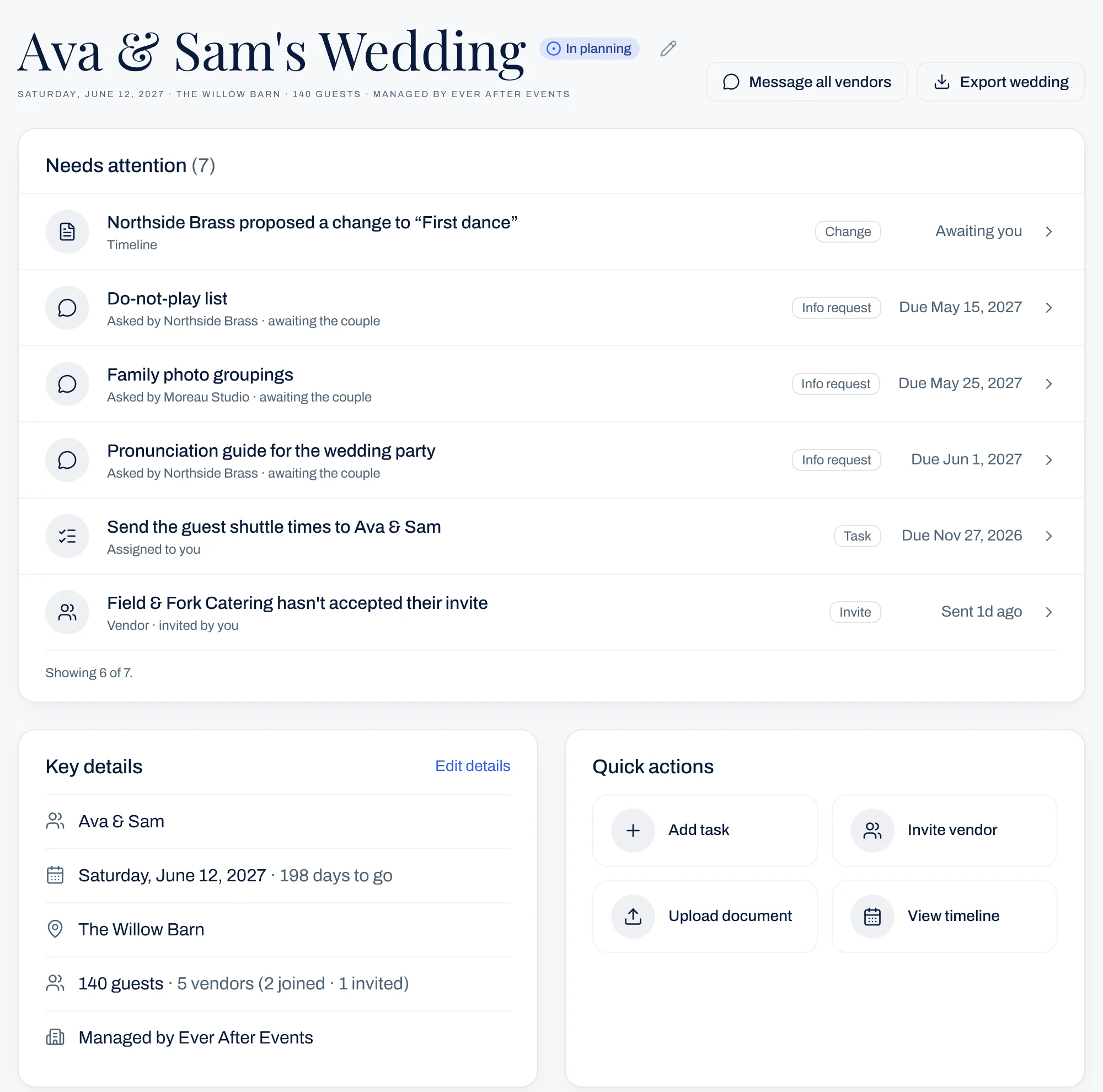
For planners and vendorsNeeds attention lists changes to review, info requests and tasks still open, and invitations not yet accepted. Choose any line to open it. Key details shows the couple, the date and days to go, the venue, the guest count and who's planning it. Choose Edit details to change them. Quick actions, Recent activity and People on this wedding sit below.
A planner's Home page for a wedding: Needs attention, Key details and Quick actions, with Message all vendors and Export wedding at the top
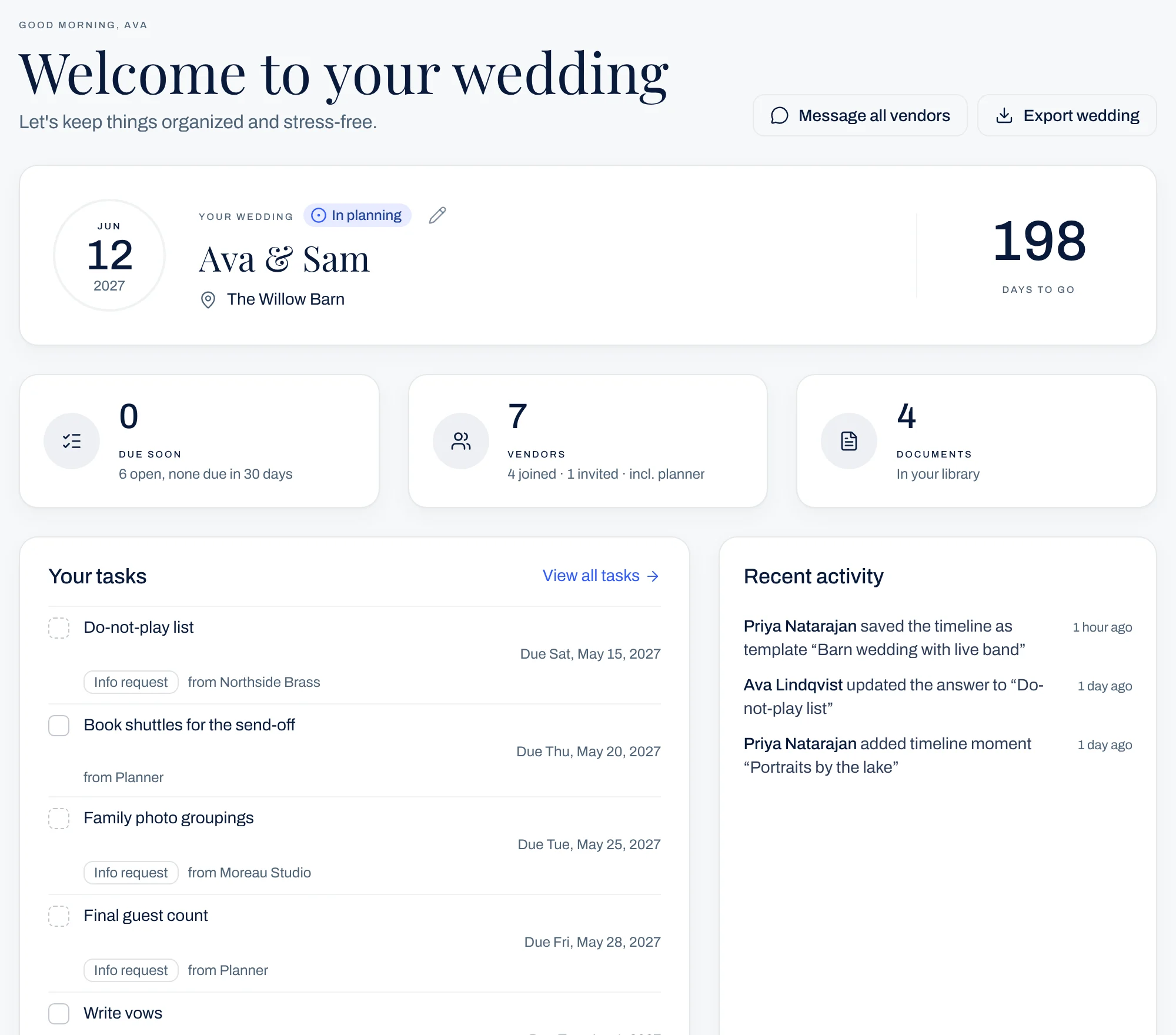
For the coupleYour wedding shows the date, the venue and the days to go. Due soon, Vendors and Documents give you the numbers at a glance. Your tasks shows who asked for each one, next to Recent activity.
The couple's Home page: the wedding date, the couple's names and venue, days to go, then Due soon, Vendors and Documents, Your tasks and Recent activity

Message all vendors and Export wedding sit at the top right for everyone who runs the wedding.

Family and friends see only the Key details on this page, and the Timeline.