How to · 4 steps
Find your way around a wedding
Video coming soon: Finding your way around
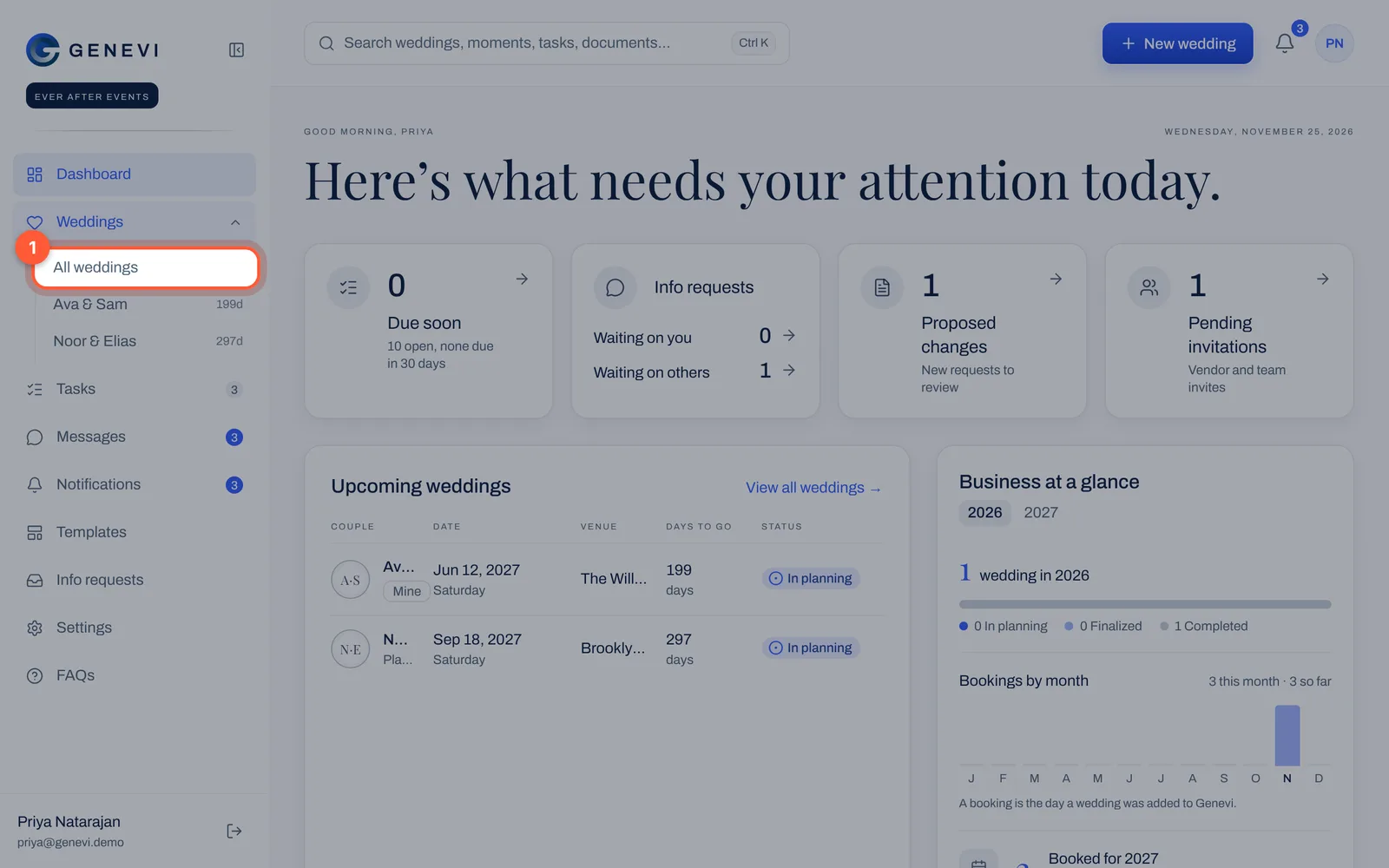
First, what it doesWhat is Genevi?One live plan for a wedding that the planner, the couple and every vendor work from, instead of spreadsheets, email chains and group chats.Read this firstStep 1: Sign in. You land on your Dashboard. Choose Weddings in the menu on the left, then All weddings.
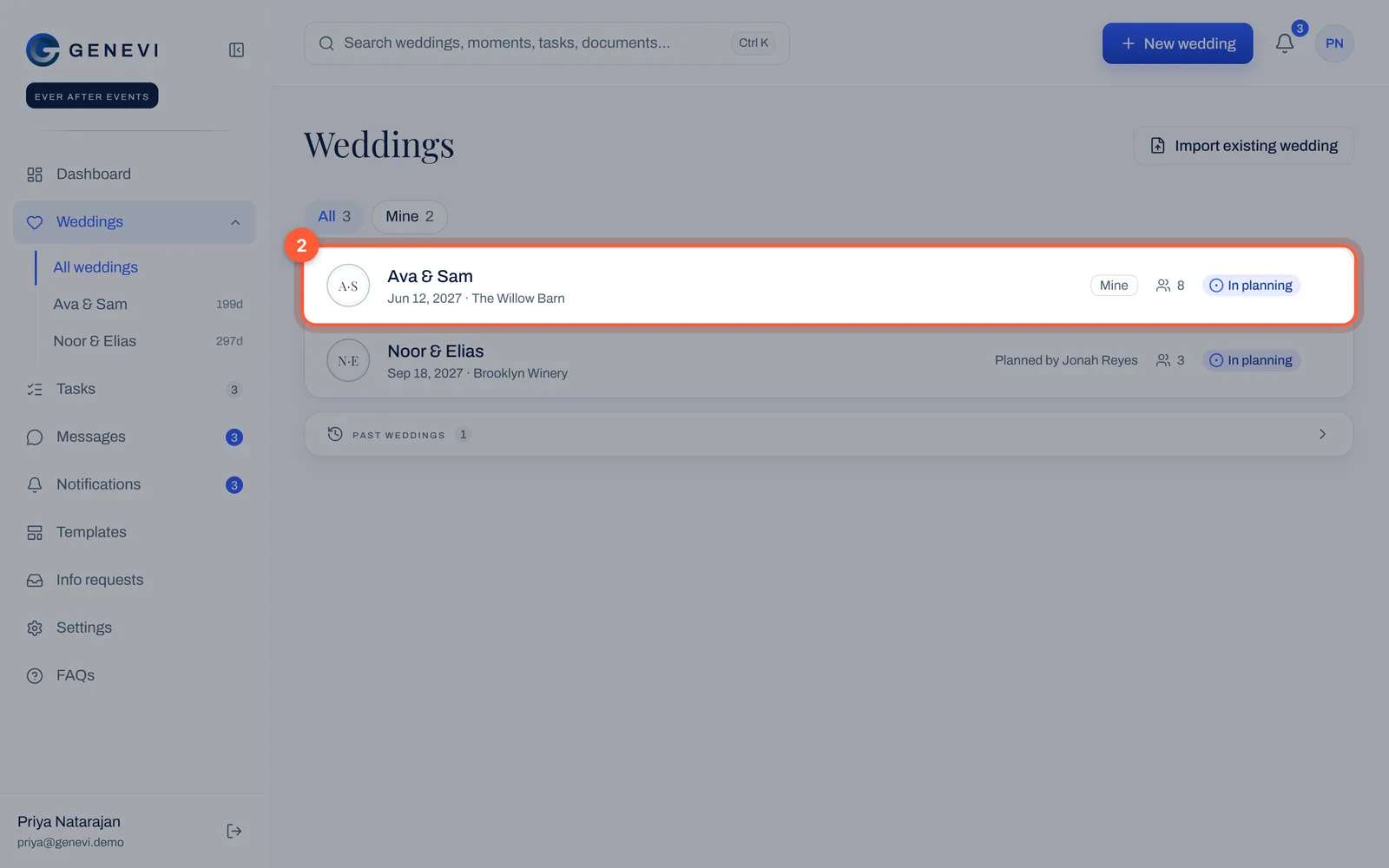
Step 2: You see every wedding you're part of. Choose one to open it.
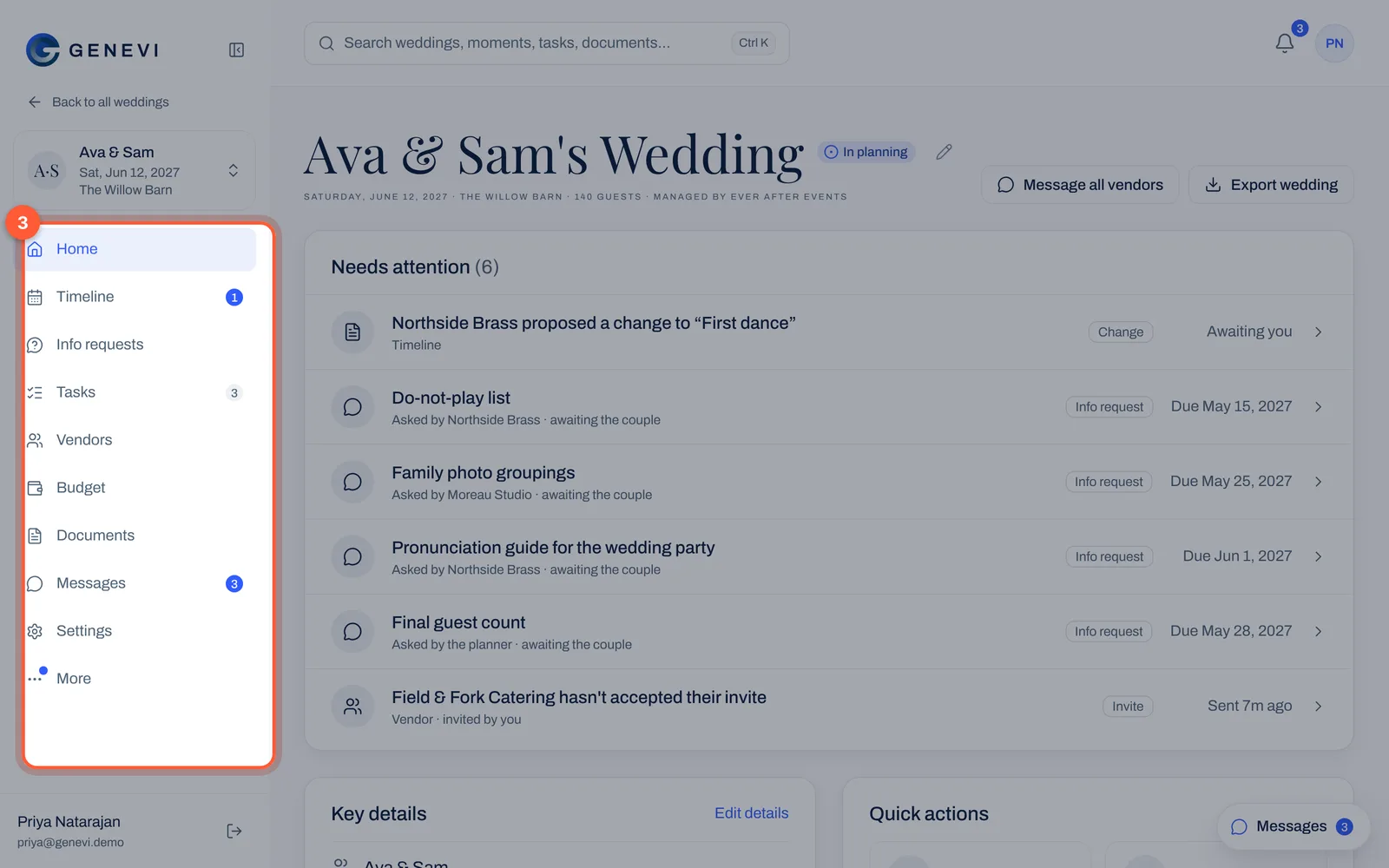
Step 3: The wedding opens on its Home page, which lists what needs your attention. Use the wedding's menu on the left to move around: Timeline, Info requests, Tasks, Vendors, Budget, Documents and Messages. What you see depends on your role.
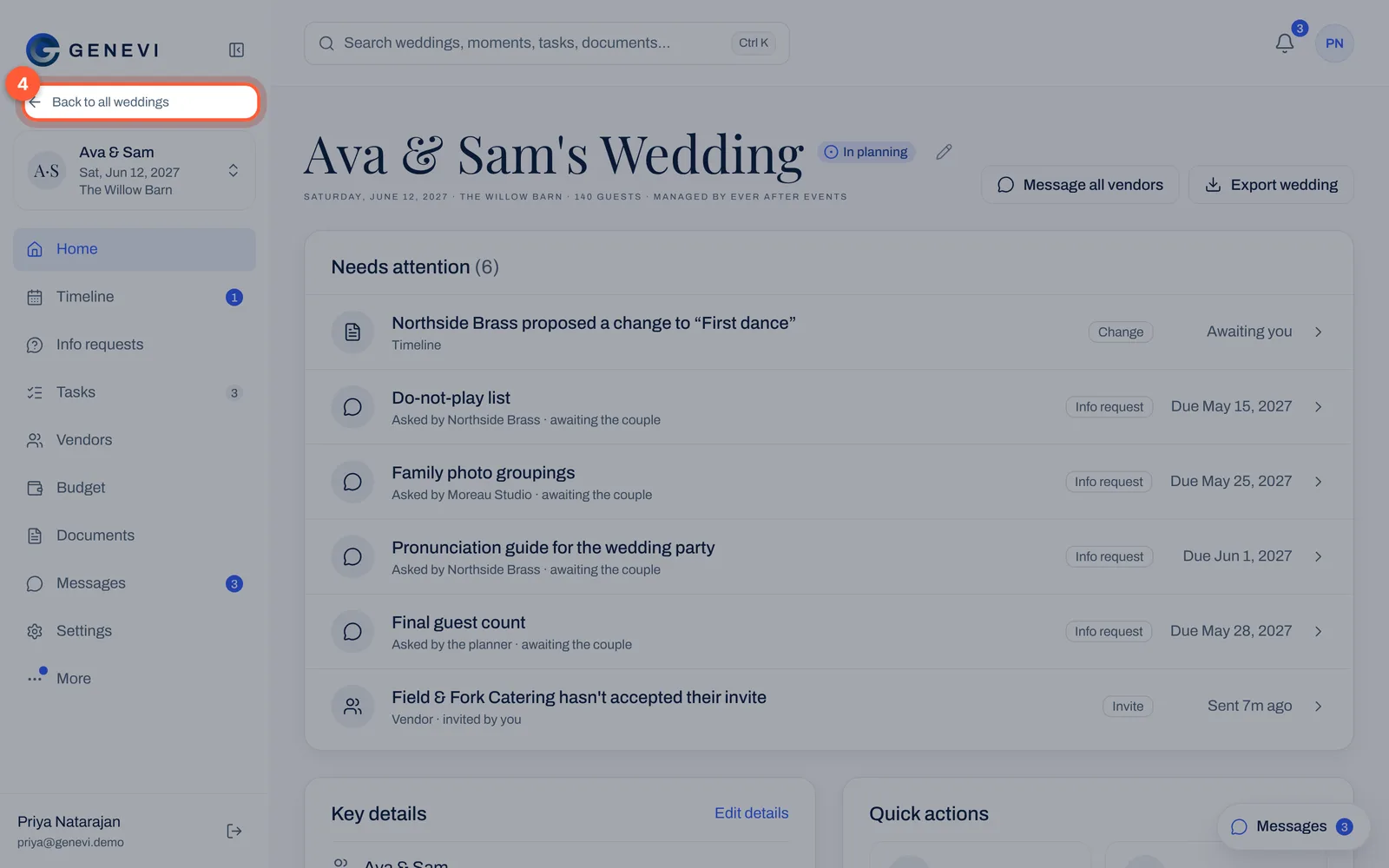
Step 4: To get back to all your weddings, choose Back to all weddings at the top of the menu.