How to · 3 steps
See your part of the day
Video coming soon: You've been invited
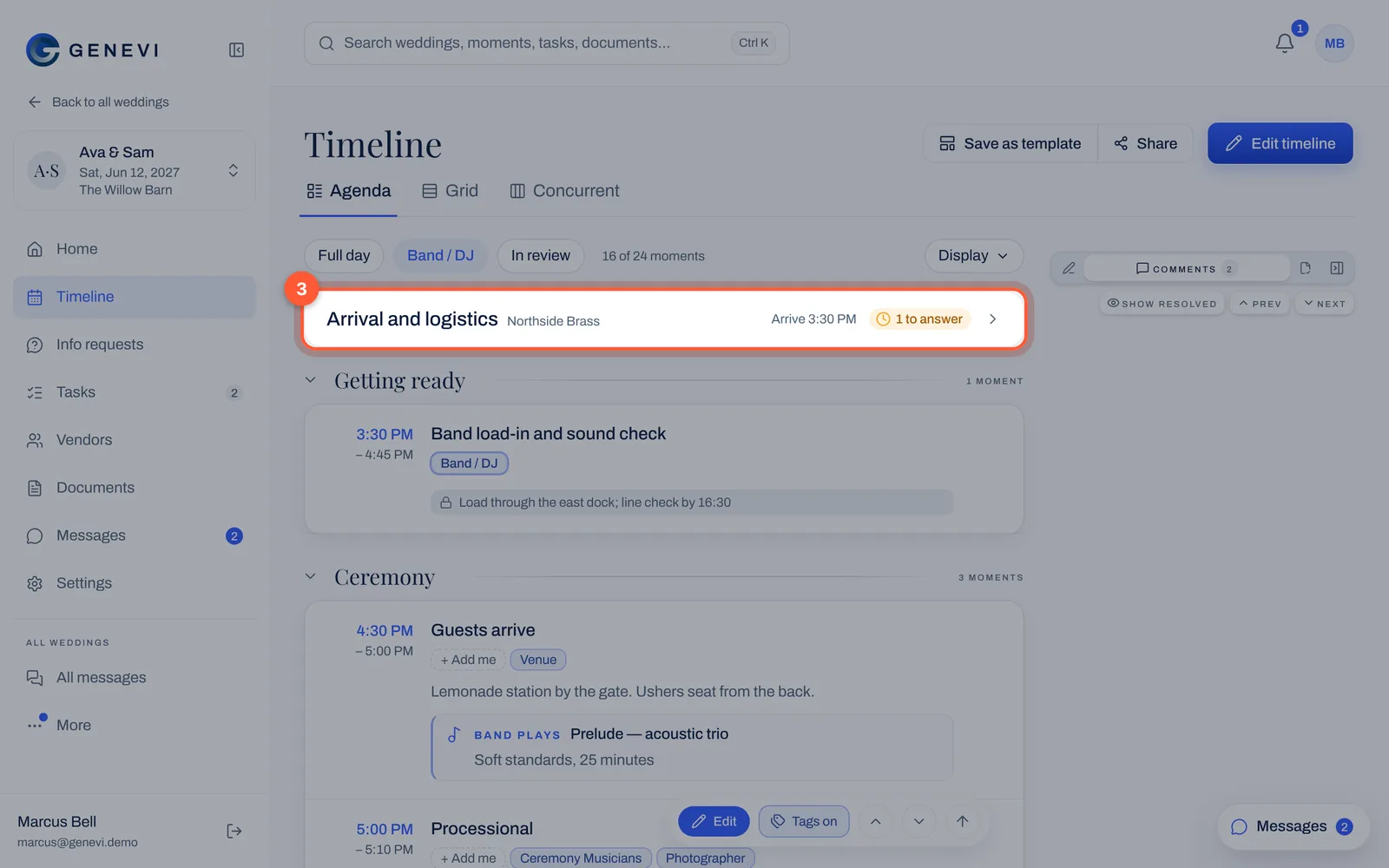
First, what it doesWhat can I see on a wedding as a vendor?Everything you need for your part of the day, and nothing you don't.Read this firstStep 1: Open the wedding and choose Timeline in the wedding's menu.
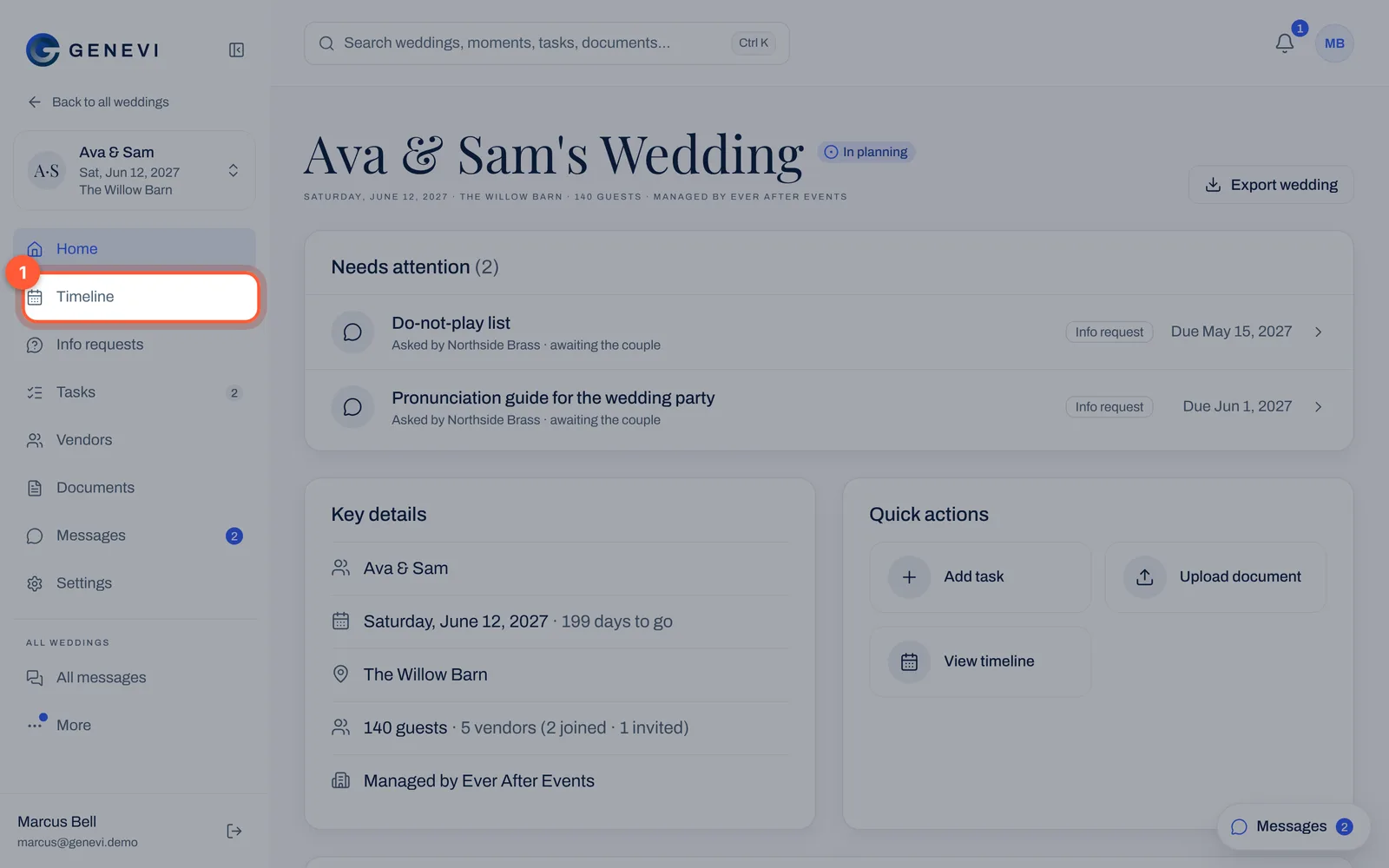
Step 2: The timeline opens on your own view, showing only the moments you're part of. Choose Full day to see the whole wedding, and your view's name to go back.
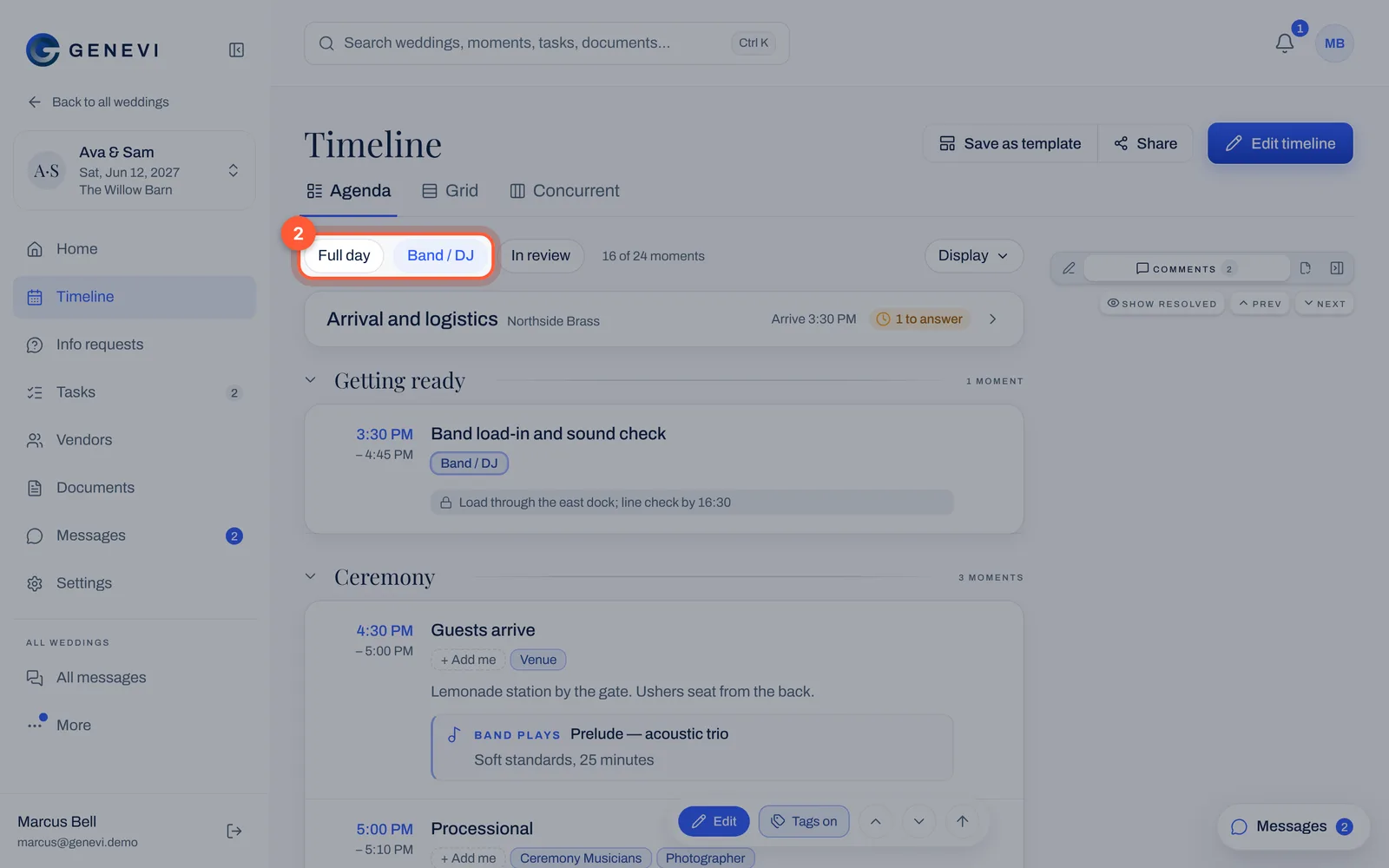
Step 3: Choose Arrival and logistics at the top to tell the planner when you'll arrive, and to answer anything else they've asked you.