How to · 5 steps
Answer what your planner or a vendor needs
Video coming soon: Filling in what your vendors need
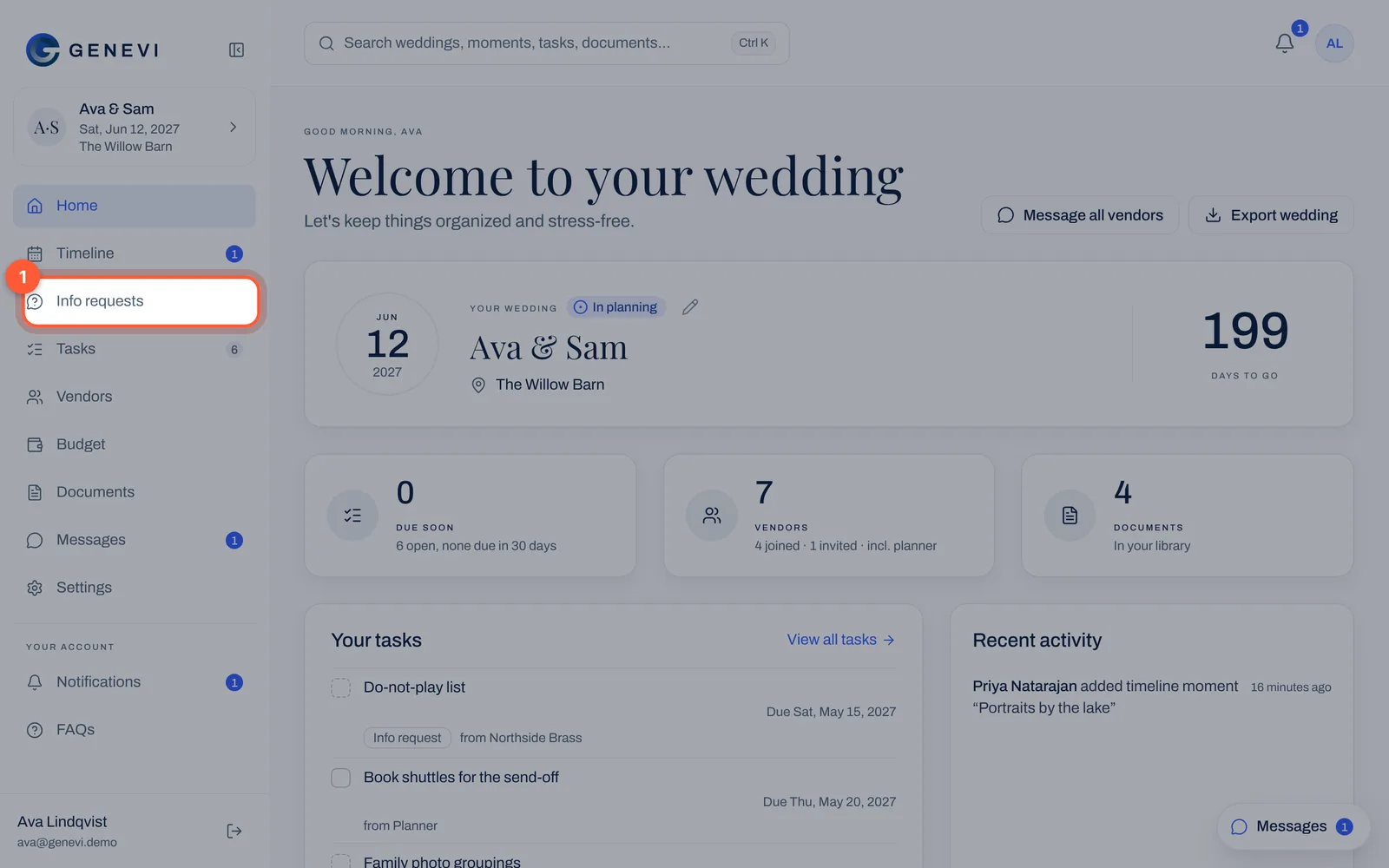
First, what it doesHow do info requests work?Ask once, and Genevi does the chasing. The answer is kept on the wedding, where everyone who needs it can find it.Read this firstStep 1: Open your wedding and choose Info requests in the menu on the left.
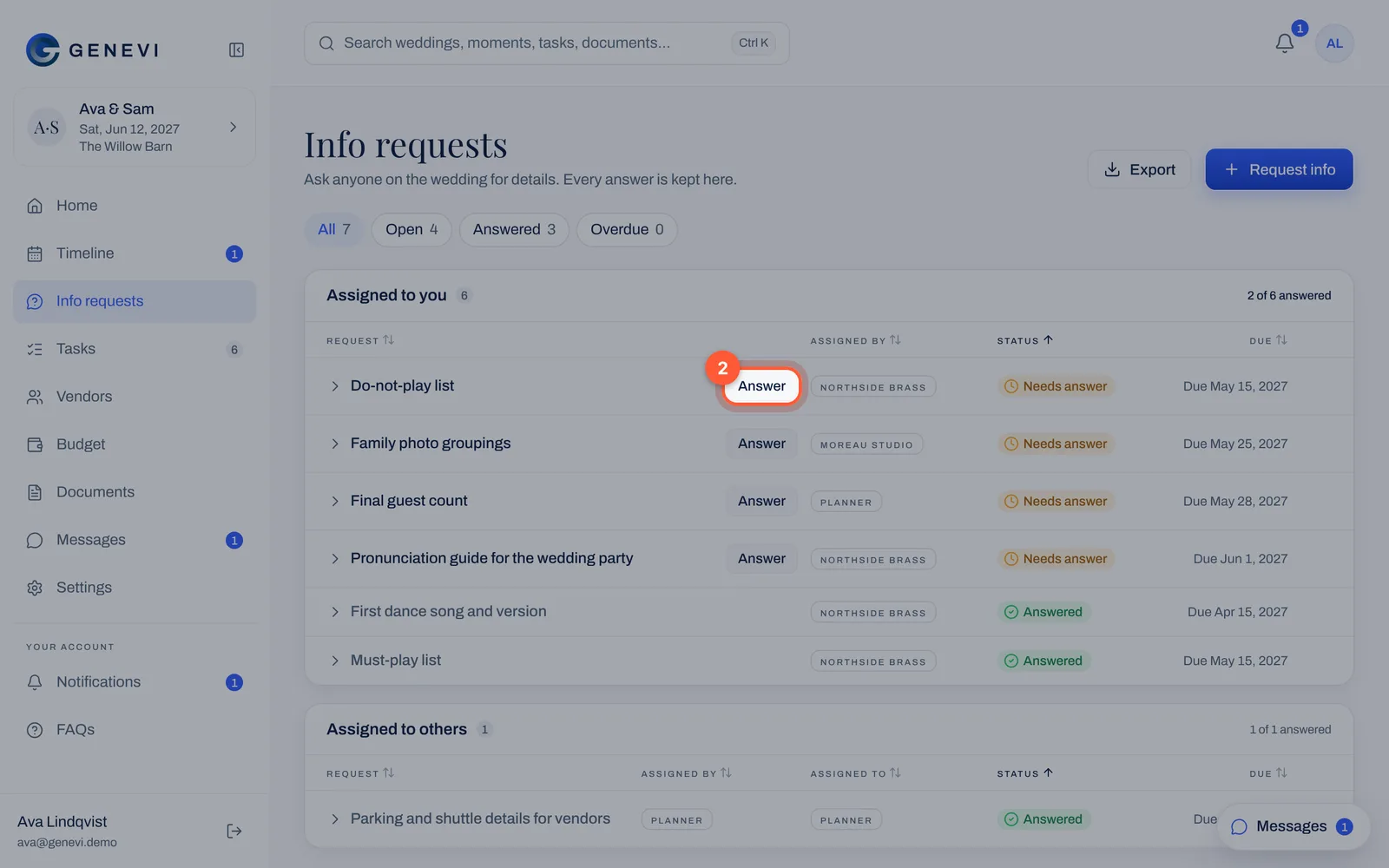
Step 2: Under Assigned to you, find the question and choose Answer.
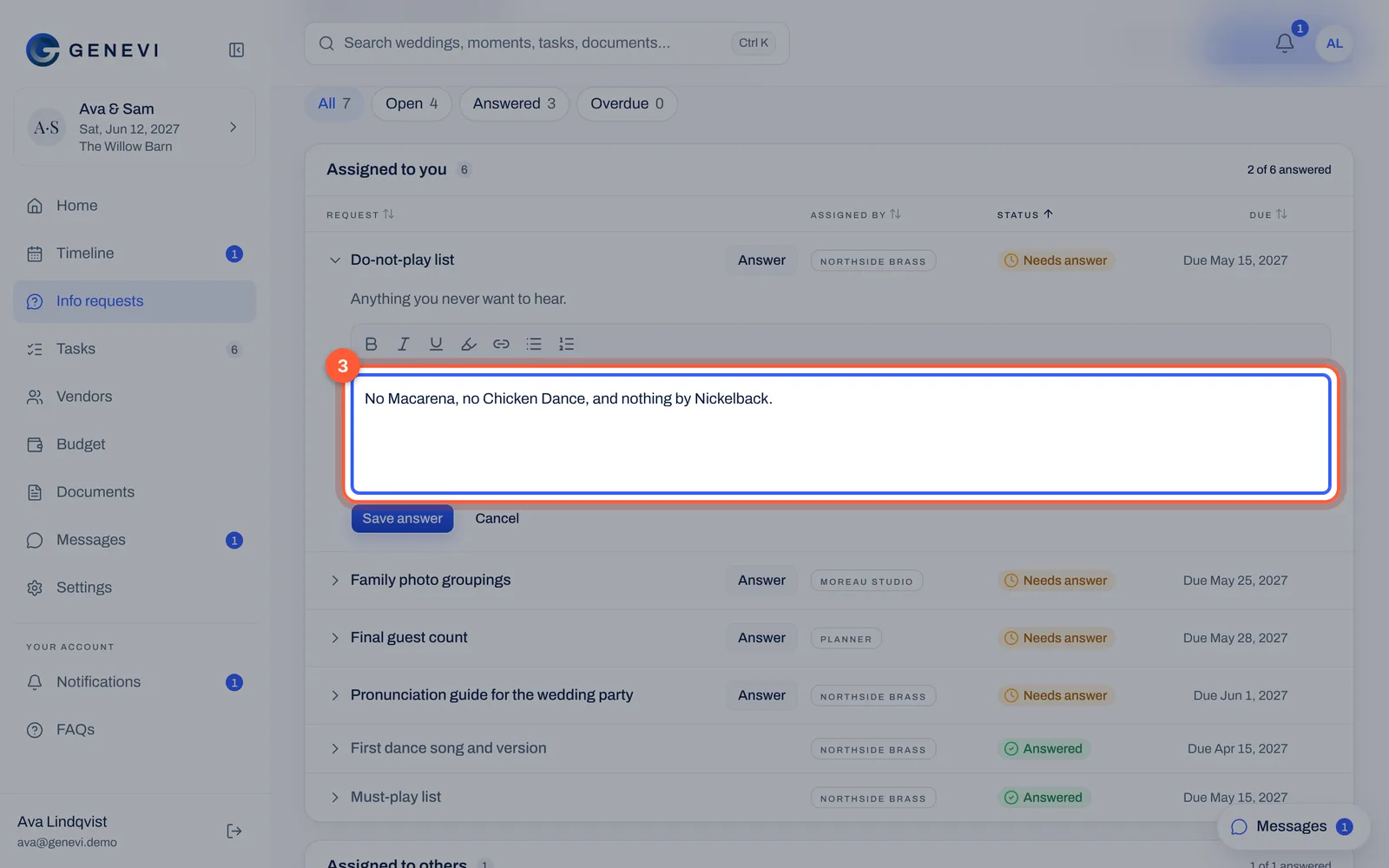
Step 3: Type your answer in the box.
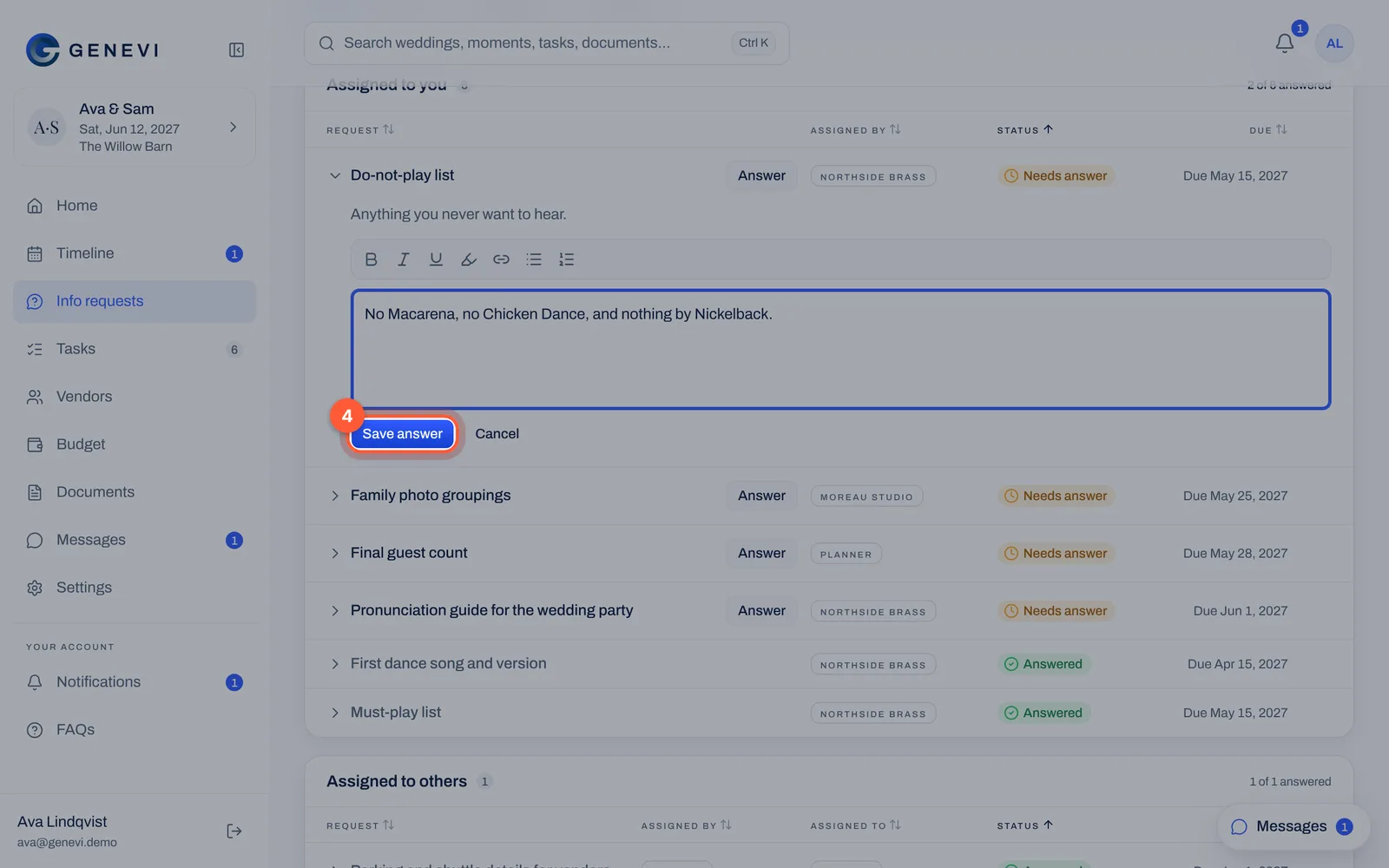
Step 4: Choose Save answer. Whoever asked can see it straight away.
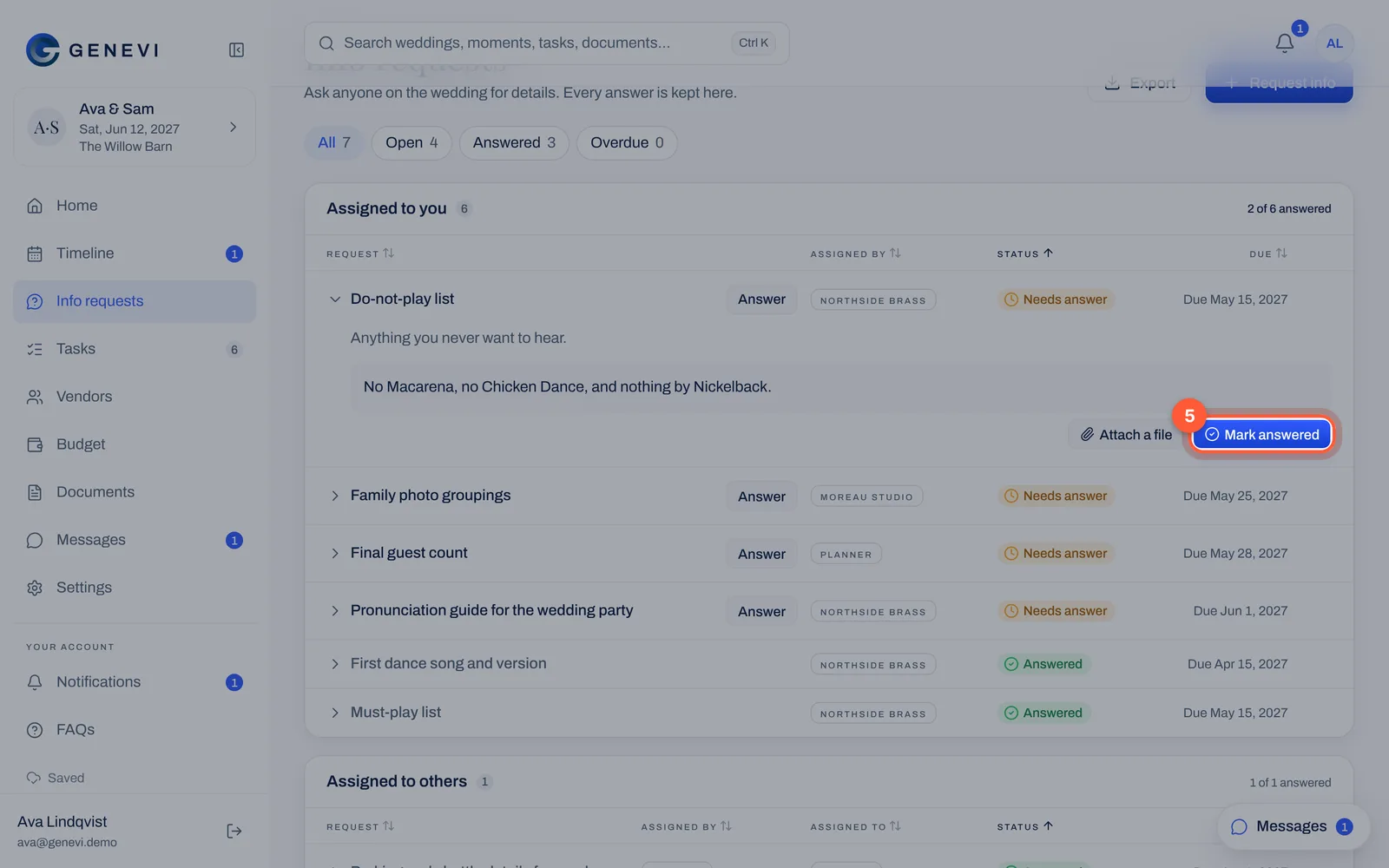
Step 5: When you've said everything, choose Mark answered. To add a file, such as a seating plan, choose Attach a file first.