
Question
Can I see my weddings in my own calendar?
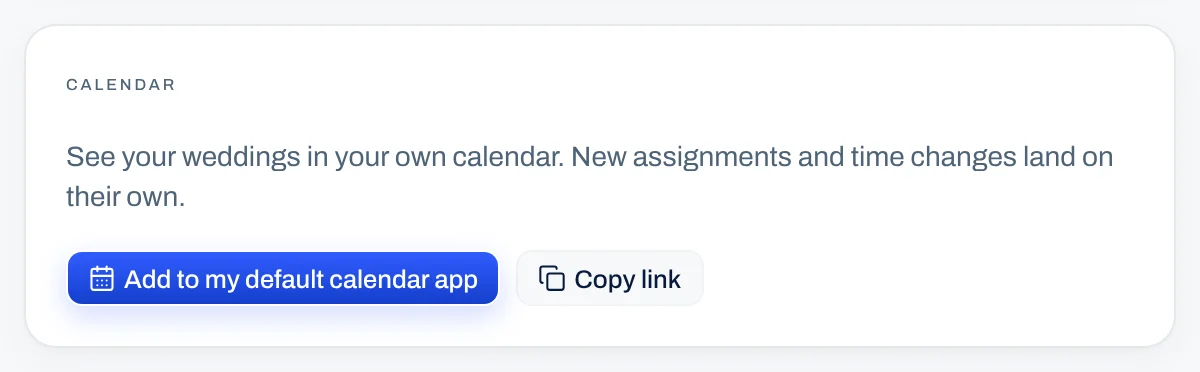
Yes. Add Genevi to the calendar you already use, and your weddings show up there. New weddings and time changes arrive on their own.
Without Genevi
With Genevi
Typing every wedding into your calendar by hand
Your weddings appear in your calendar
A date changes and your calendar still shows the old one
Changes reach your calendar on their own
- 1Open Settings, then My Account, and find Calendar.
- 2Choose Add to my default calendar app on an iPhone, iPad or Mac, or on any computer with a calendar app.
- 3Or choose Copy link, and add it to any calendar that can subscribe to a link.
Using Google Calendar on the web? Choose Copy link, then in Google Calendar add a calendar From URL and paste it.